PhotoCraft and ArtCraft tutorials
Step by step, with screenshots from the version we actually tested.
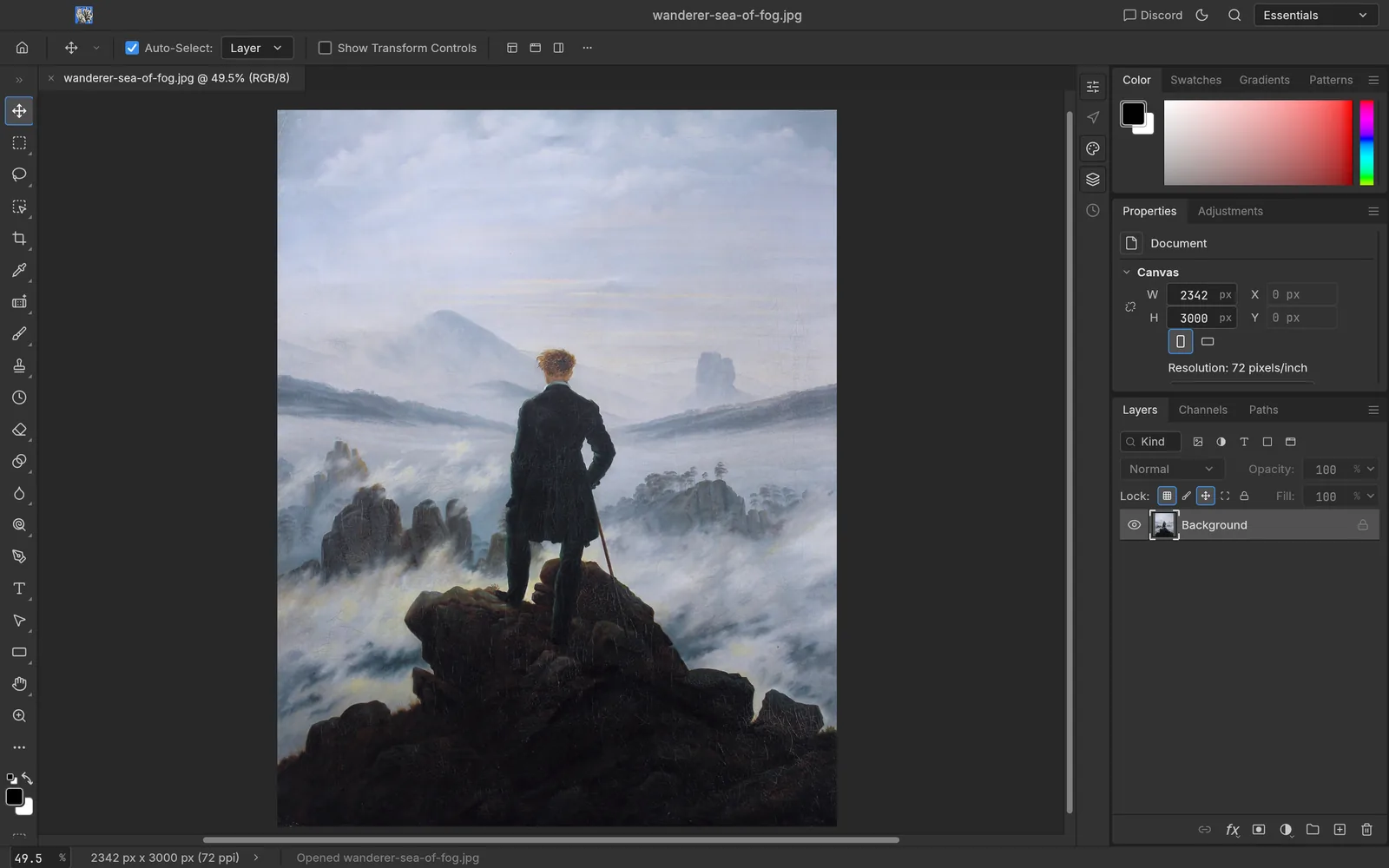
PhotoCraft · Beginner · 10 min
PhotoCraft quick start: open, zoom, resize and export
Your first ten minutes with PhotoCraft: the start screen, opening an image, finding your way around the window, resizing and saving a copy.
Based on PhotoCraft 0.7.0 · October 11, 2026
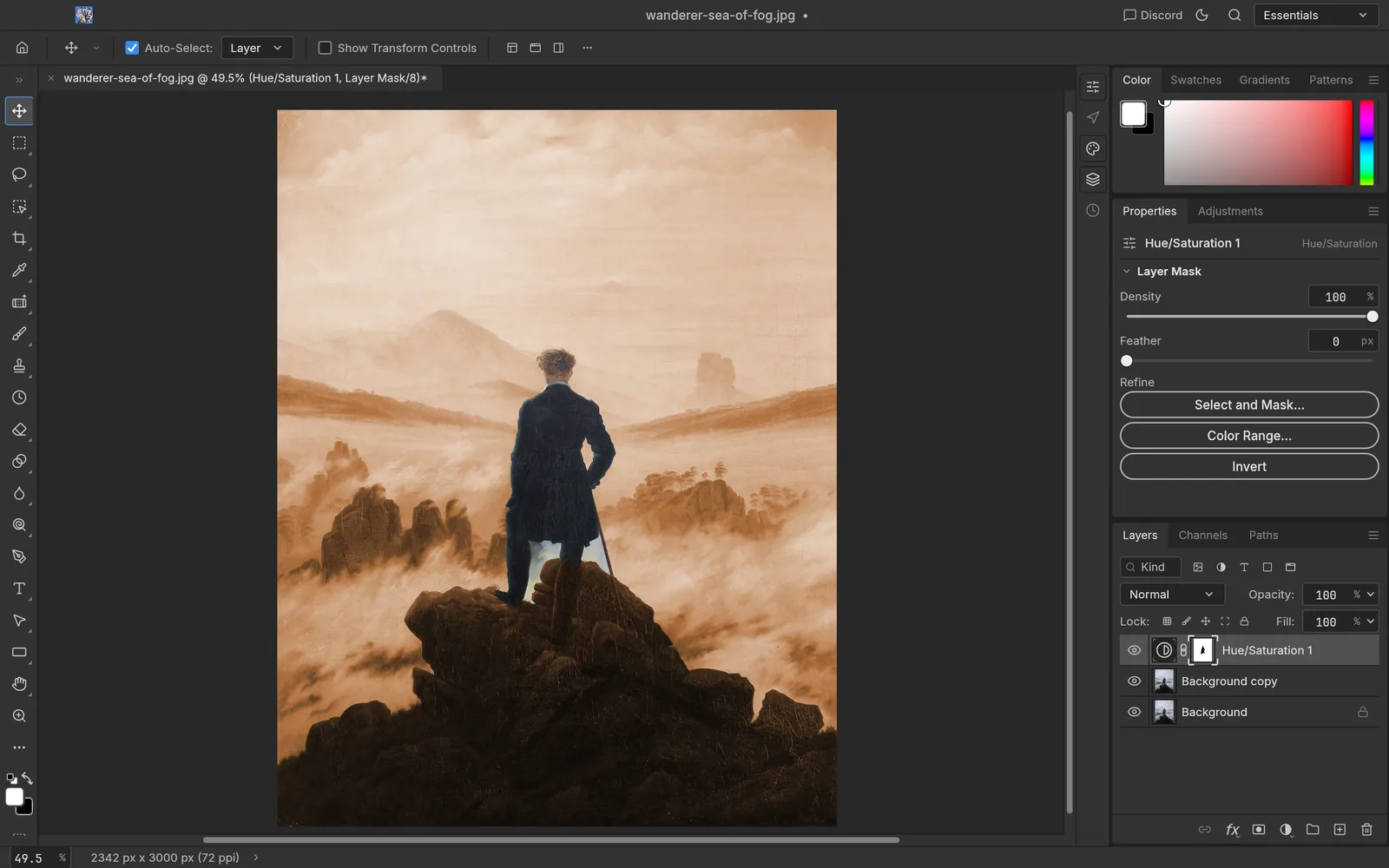
PhotoCraft · Beginner · 15 min
Layers, masks and adjustment layers in PhotoCraft
Edit without touching your original pixels: duplicate layers, add a Hue/Saturation adjustment, limit it with a selection and a layer mask, and paint the mask by hand.
Based on PhotoCraft 0.7.0 · October 11, 2026
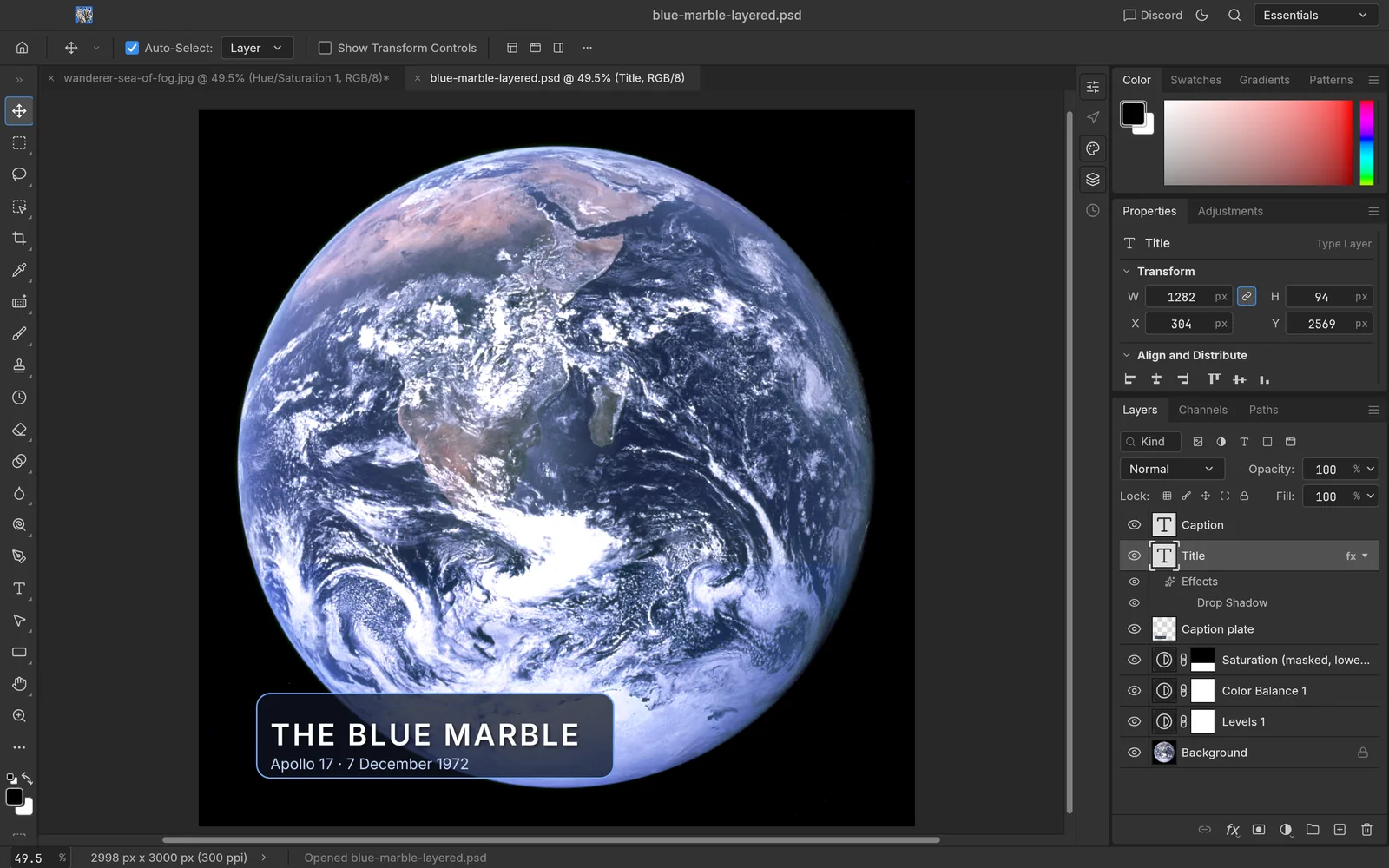
PhotoCraft · Beginner · 8 min
Opening and saving PSD files with PhotoCraft
What survives when you open and save Photoshop documents in PhotoCraft, how to keep layers intact, and what to watch for when sharing files with Photoshop users.
Based on PhotoCraft 0.7.0 · October 11, 2026
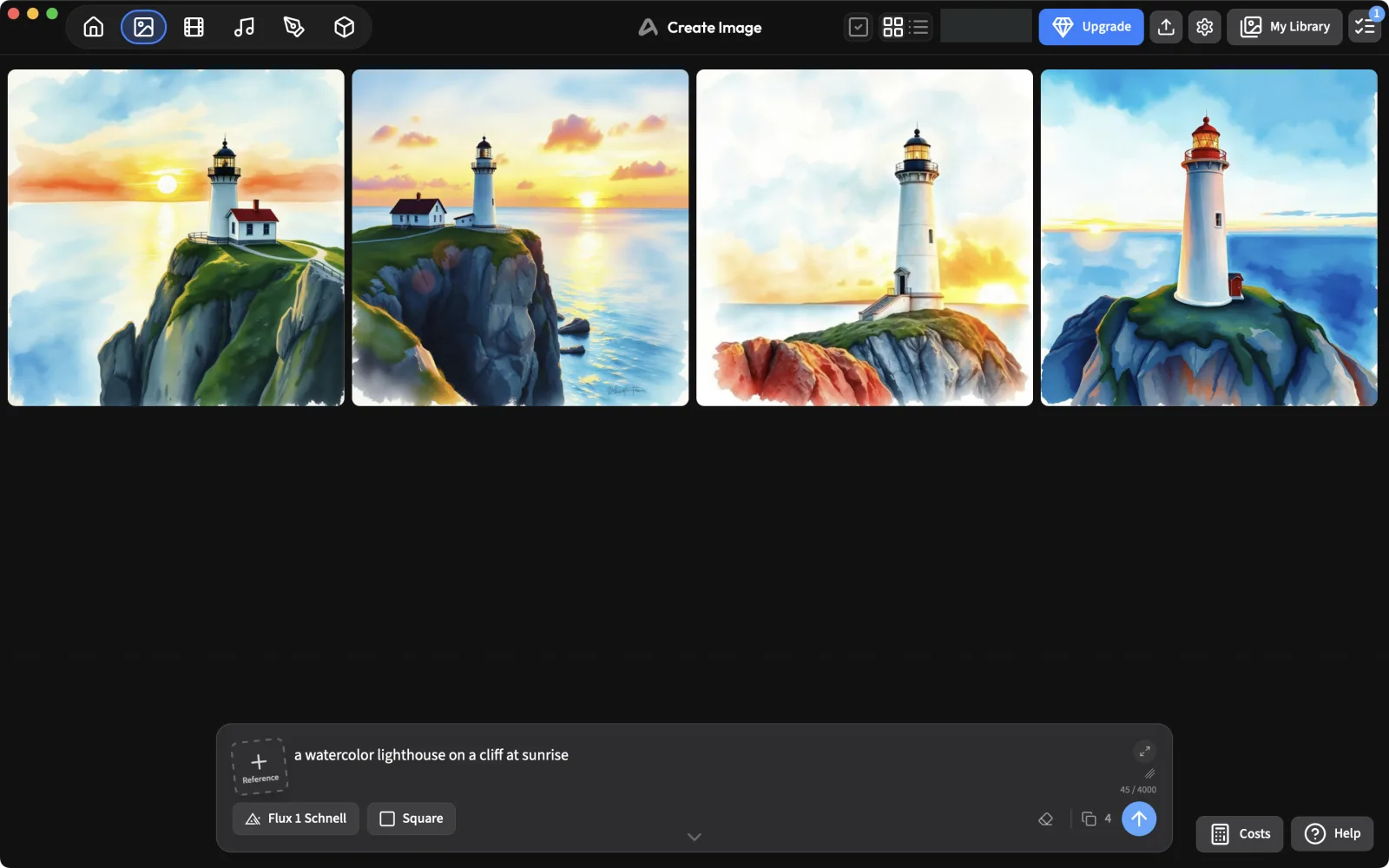
ArtCraft · Beginner · 12 min
ArtCraft: your first AI image, models, credits and the fal.ai key question
Sign in, pick a model, check what it costs before you generate, and find your results. Plus what we found when we tried to use our own fal.ai API key in ArtCraft 0.41.0.
Based on ArtCraft 0.41.0 · October 11, 2026
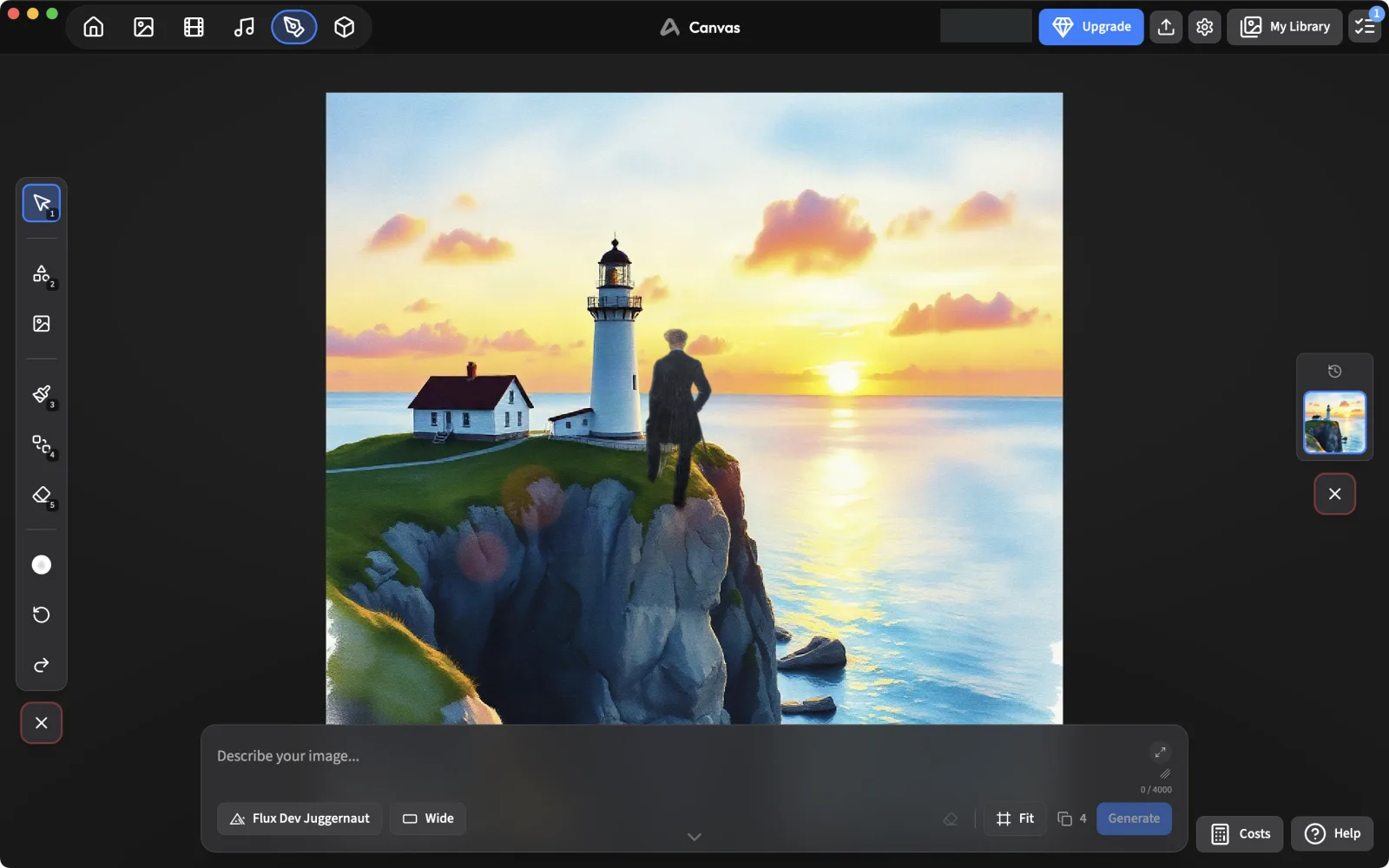
ArtCraft · Intermediate · 20 min
Compose in 2D and stage in 3D, then generate with ArtCraft
Use ArtCraft’s canvas to cut out and arrange images, block a scene with 3D characters and a camera, and turn it into a finished image with a mask, including what didn’t work.
Based on ArtCraft 0.41.0 · October 11, 2026
PhotoCraft · Advanced · 15 min
Drive PhotoCraft from the command line and AI agents (CLI + MCP)
Use photocraft-cli to edit images headlessly, batch a folder, and connect PhotoCraft to Claude or any MCP client so an AI agent can run its 500+ commands.
Based on PhotoCraft 0.7.0 · October 11, 2026