ArtCraft · Beginner
ArtCraft: your first AI image, models, credits and the fal.ai key question
Sign in, pick a model, check what it costs before you generate, and find your results. Plus what we found when we tried to use our own fal.ai API key in ArtCraft 0.41.0.
ArtCraft is the ArtCraft team’s AI image and video studio. Unlike PhotoCraft it talks to cloud AI models, so it works a little differently: you need an account, and most models cost credits. We installed ArtCraft 0.41.0 on a Mac and generated our first images without spending a single credit. Here is how.
1. Install and sign in
Download ArtCraft for Windows or macOS from the download page. On a Mac, the app inside the DMG is signed and notarized by Apple. (The DMG itself isn’t notarized, and ArtCraft releases don’t publish SHA256 checksums yet.)
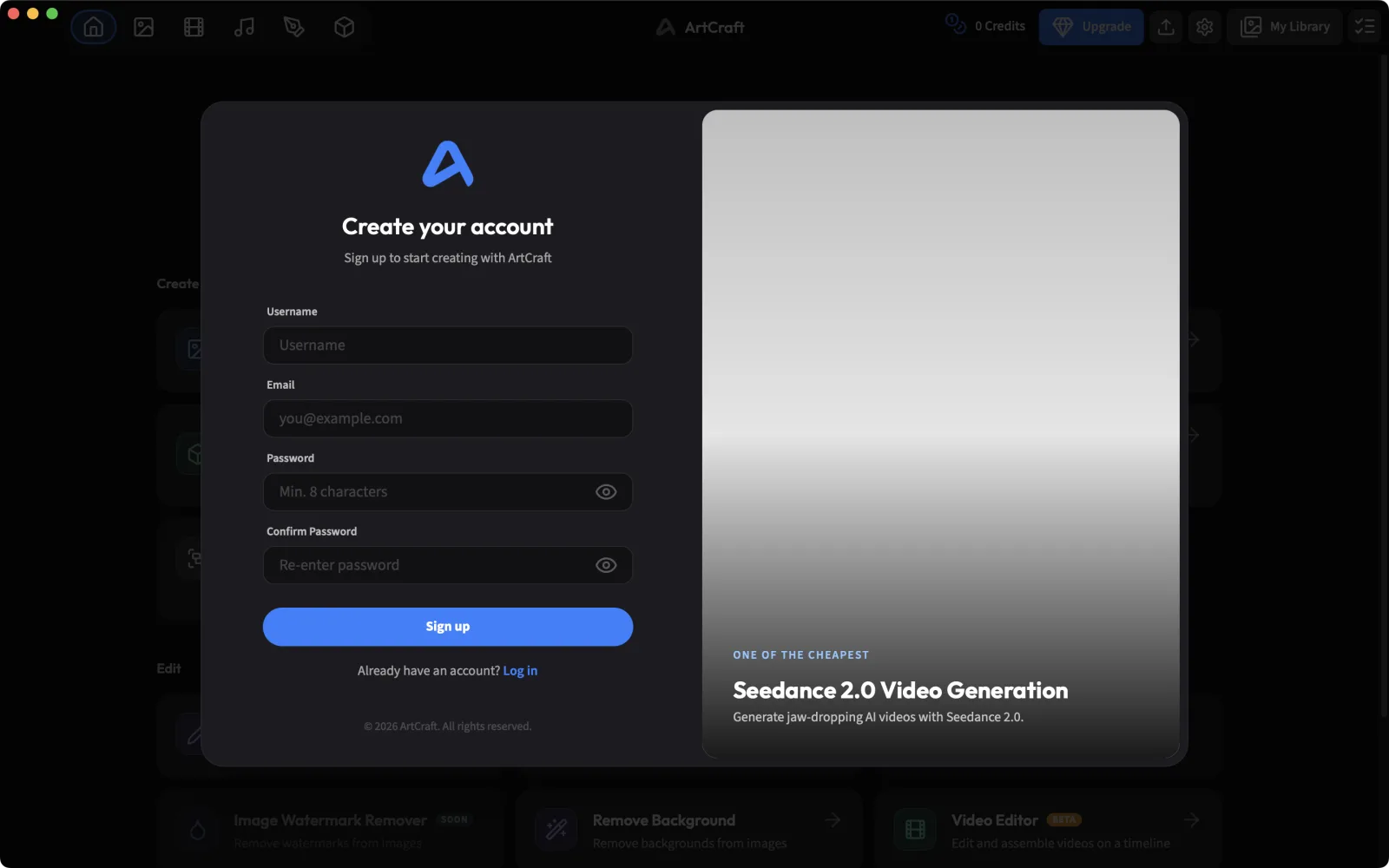
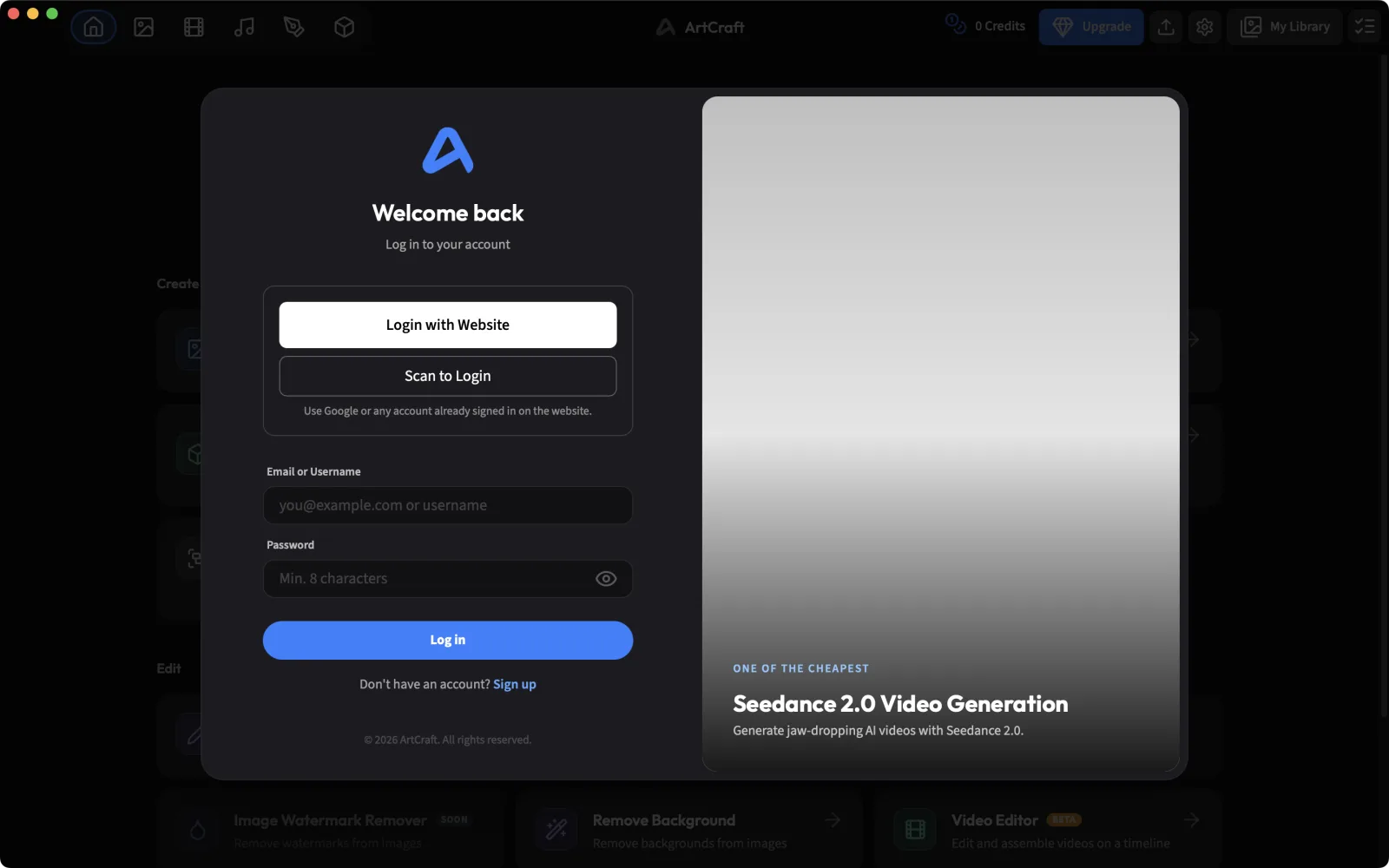
On first launch a Create your account window covers the home screen. It can’t be closed: ArtCraft requires an account before you can do anything. Sign up, or choose Log in to use an existing account; you can also sign in through the website or by scanning a QR code.
2. Find your way around
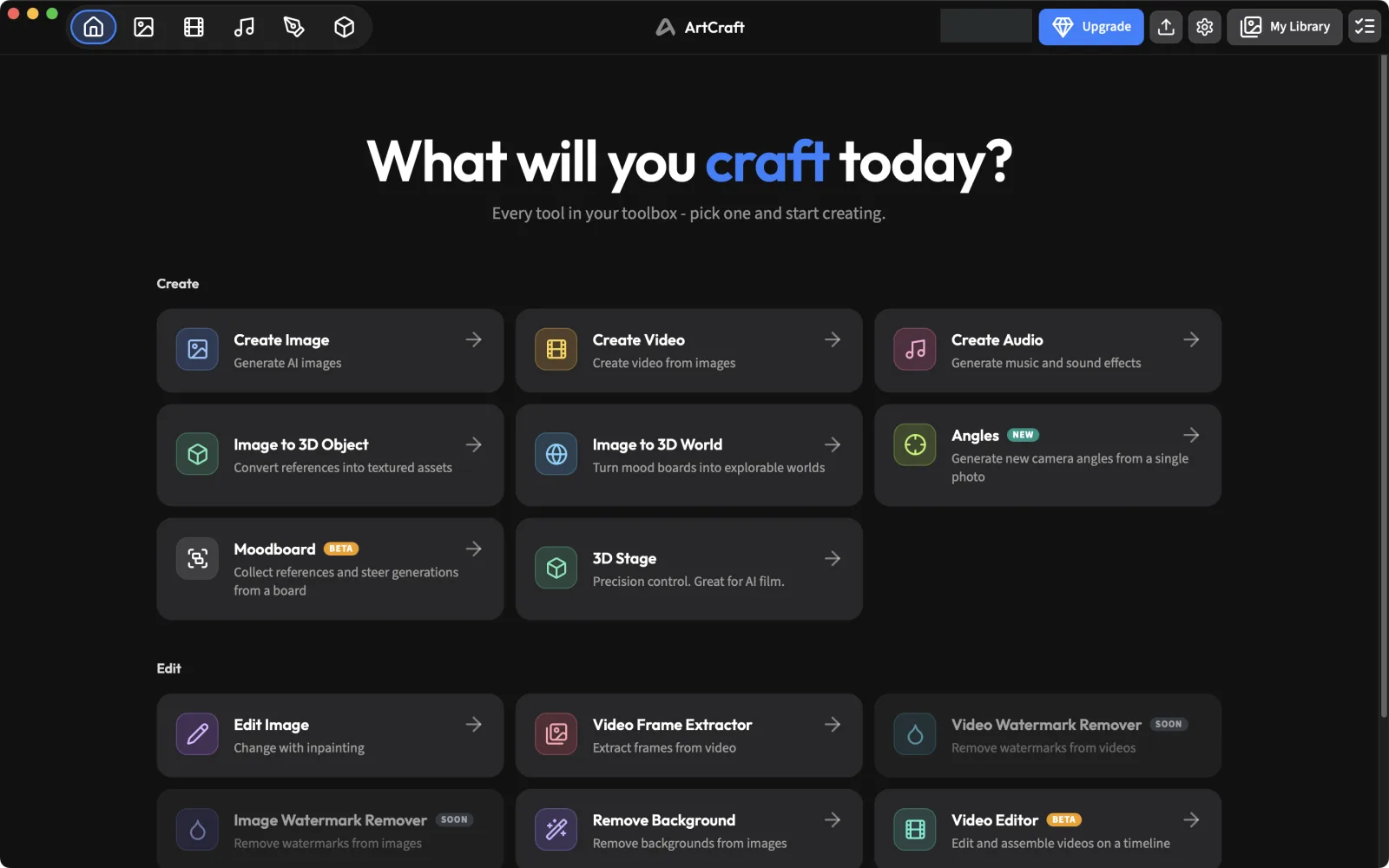
After signing in you land on What will you craft today? The Create cards start new work (Create Image, Image to 3D, Moodboard and more); the Edit cards work on existing images (Edit Image, Remove Background, the video tools). The icons across the top switch between image, video, audio, the canvas and the 3D stage. My Library and the task queue are at the top right.
3. Check the price before you generate
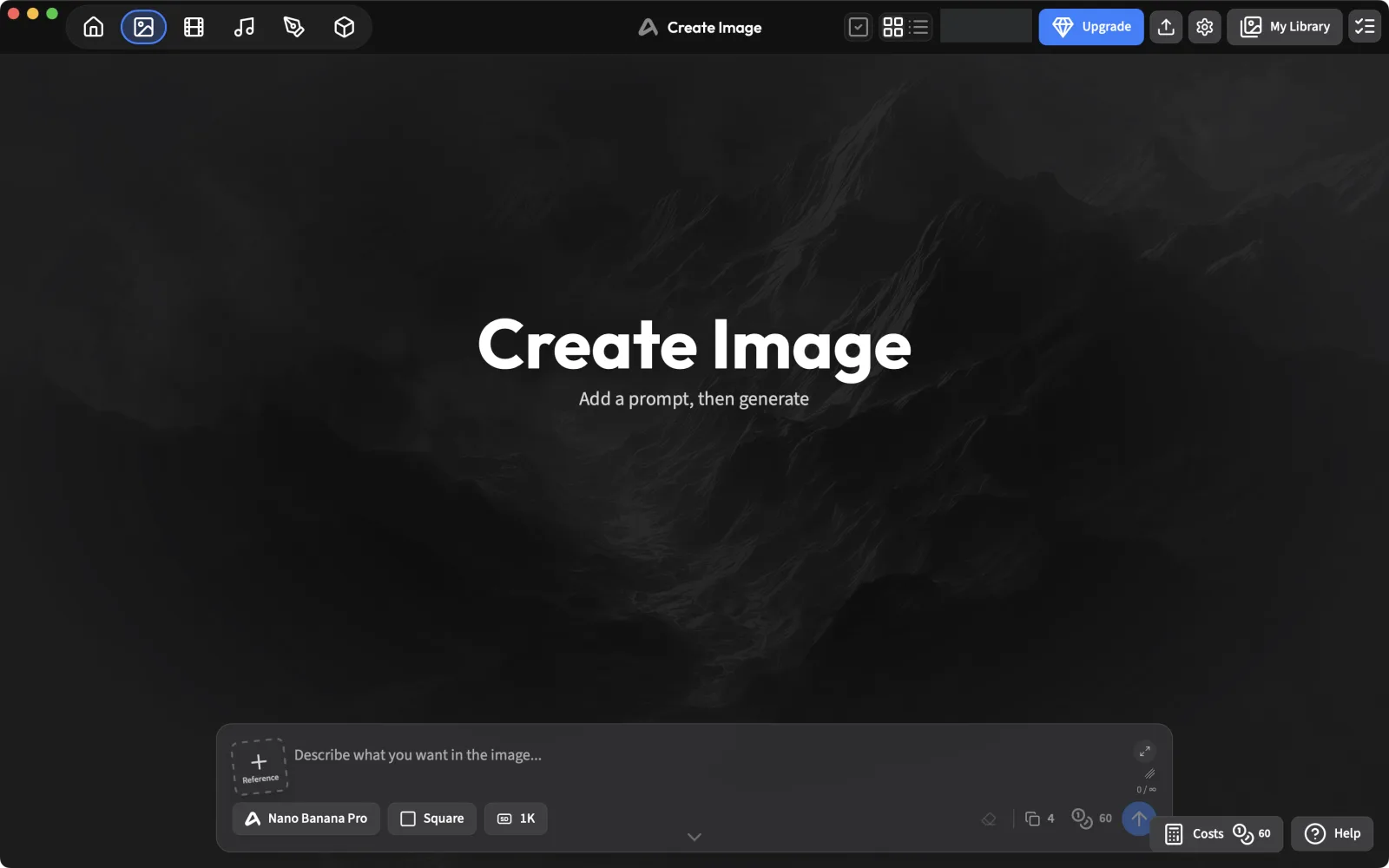
Open Create Image. The prompt bar sits at the bottom, with the model, the number of images and a credit badge. The default model at the time of writing, Nano Banana Pro ×4, costs 60 credits, so check before you click.
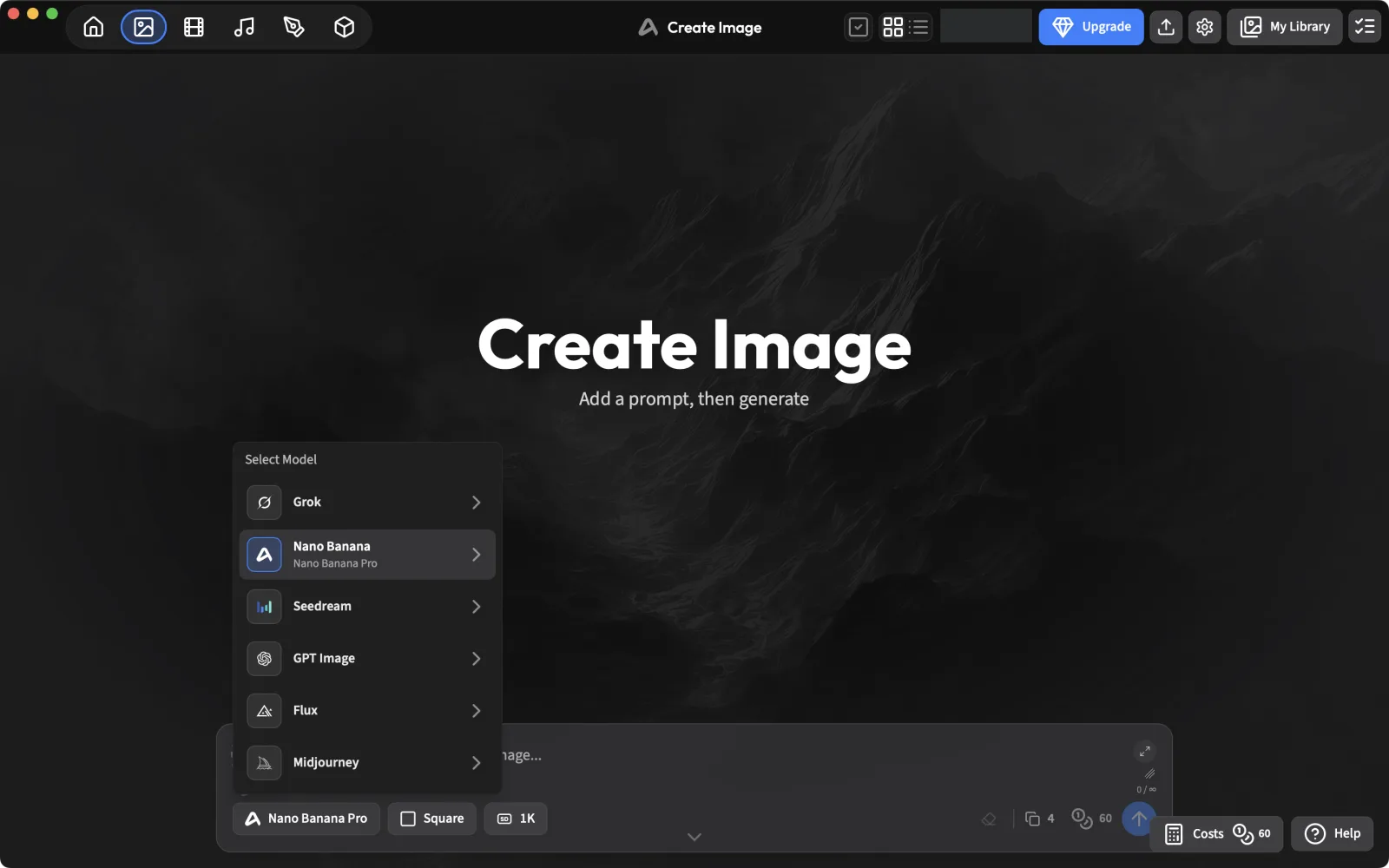
Click the model name to pick another one. Models are grouped by family: Grok, Nano Banana, Seedream, GPT Image, Flux and Midjourney.
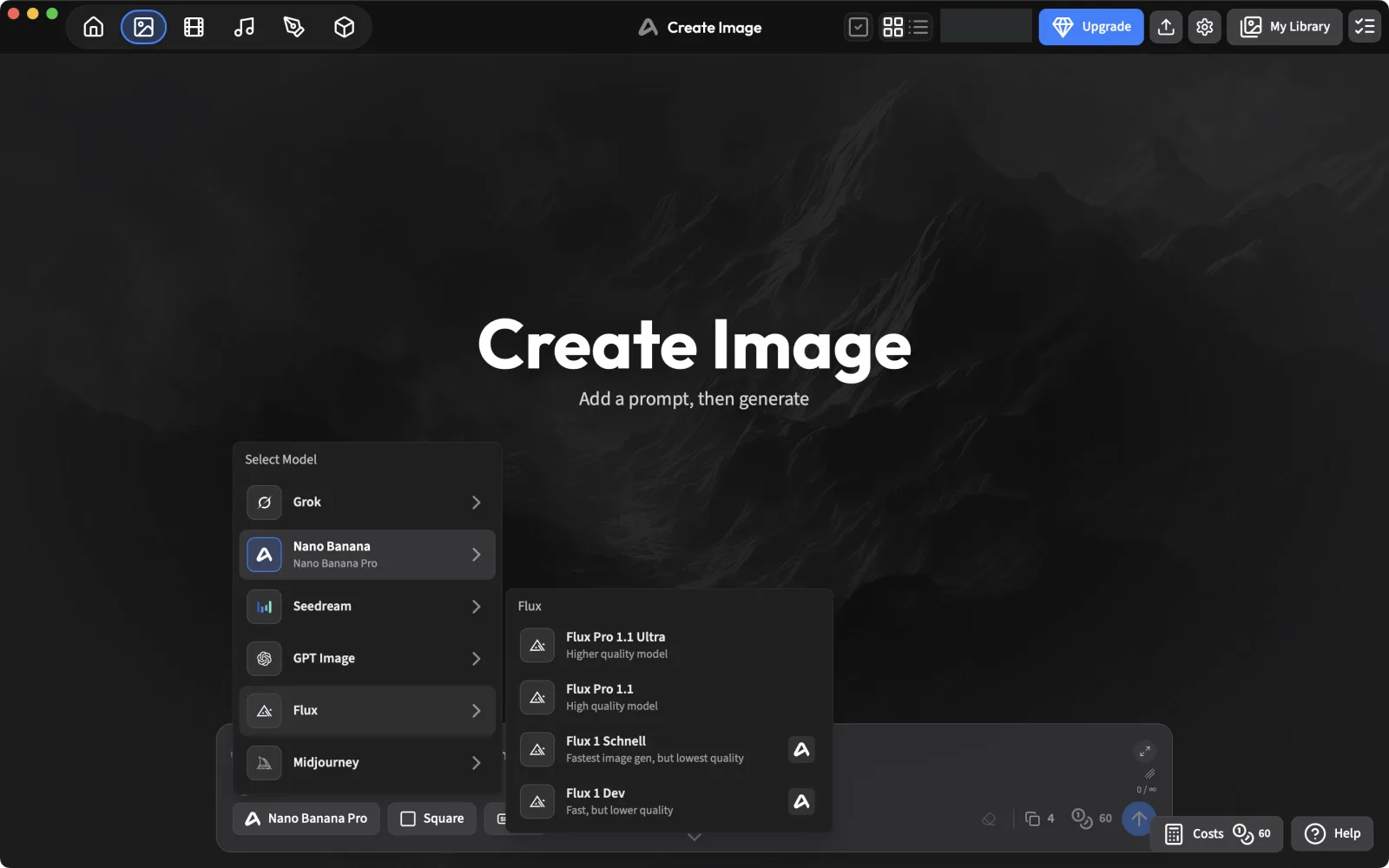
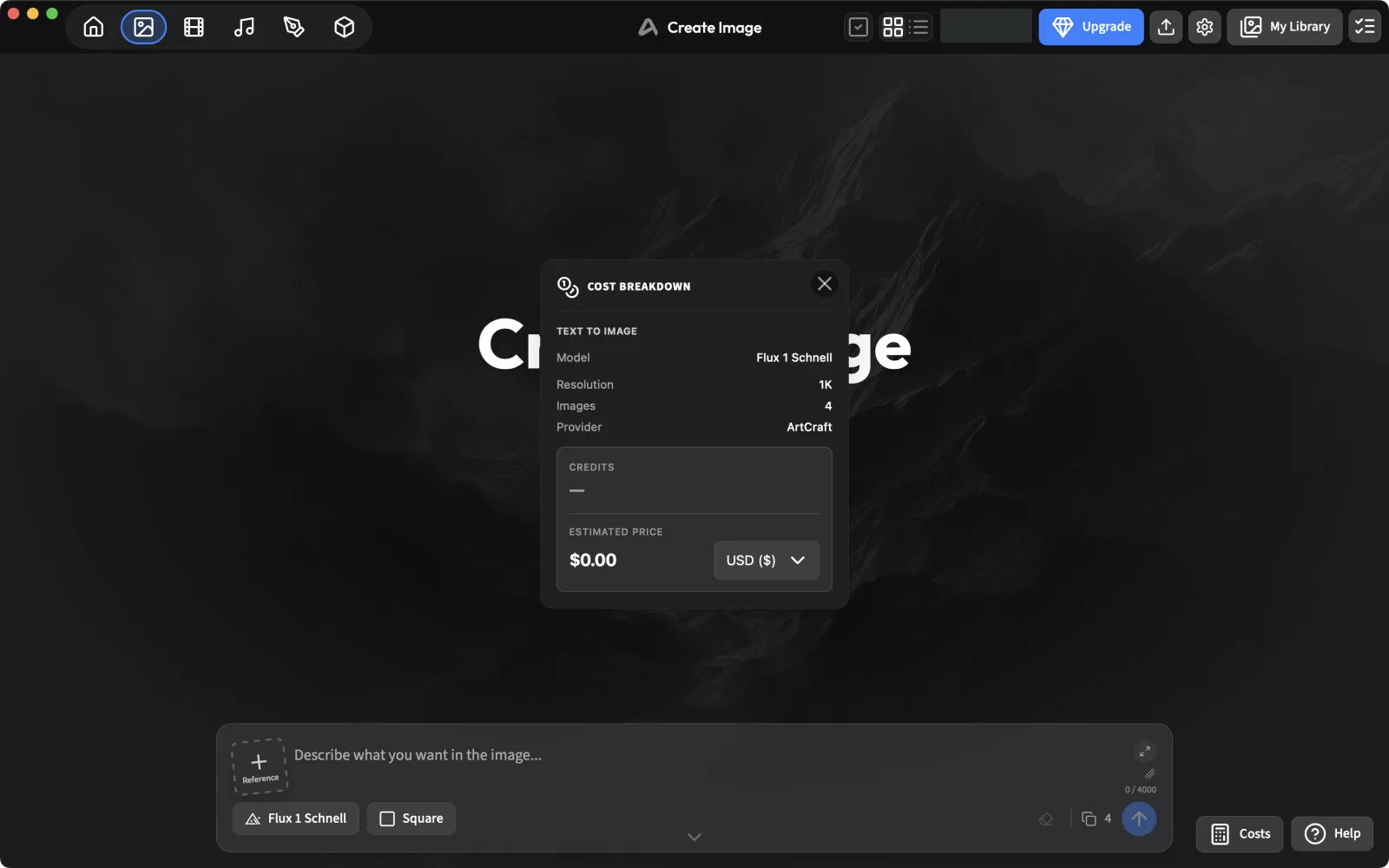
The Costs button (bottom right) opens a cost breakdown. For Flux 1 Schnell it showed provider ArtCraft and an estimated price of $0.00, which makes it the free way to try ArtCraft. For Flux Pro 1.1 it said “Credit Costs not yet available for this model”, while the badge showed 16 credits for four images.
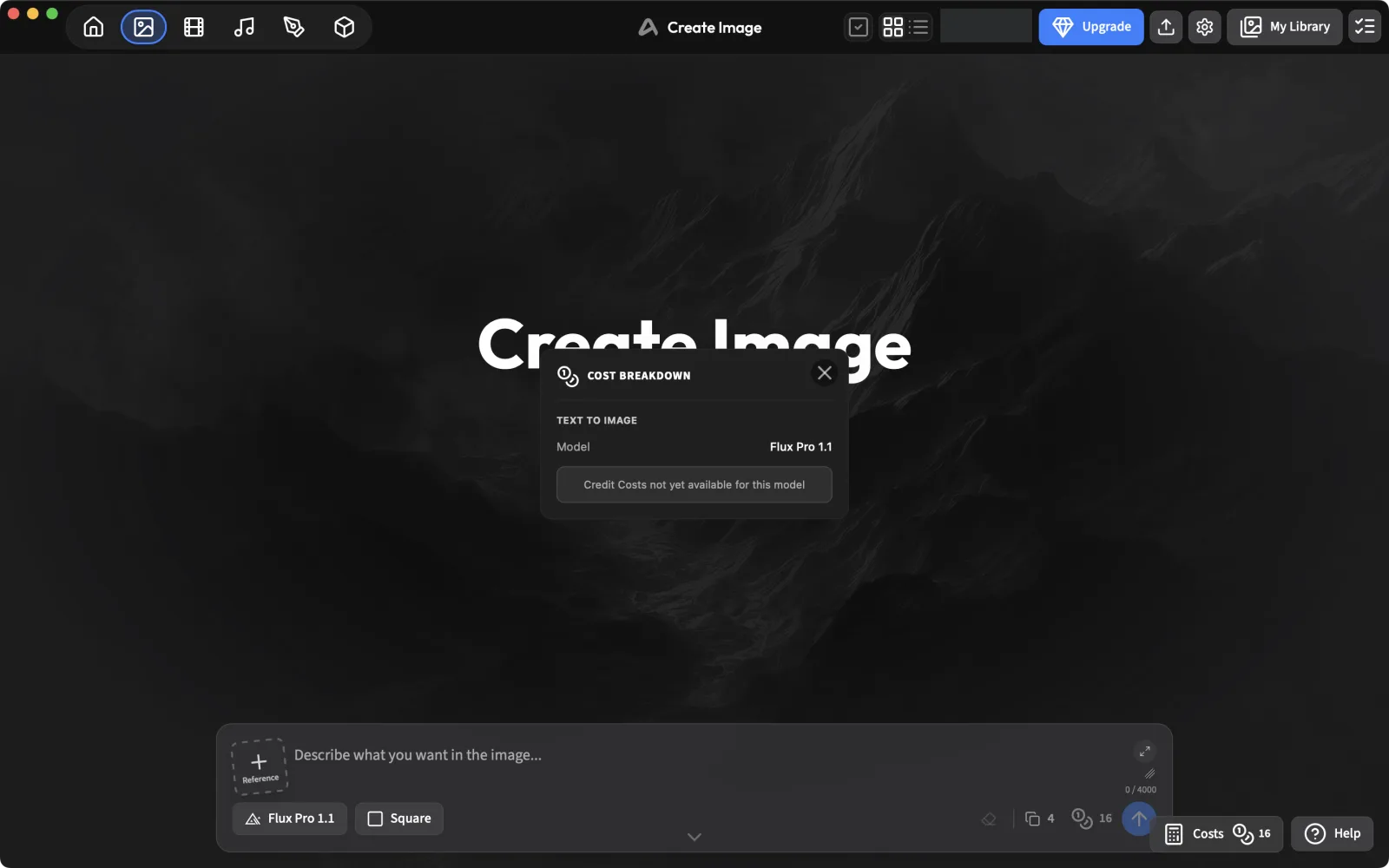
Prices and free models change. Always open Costs before generating, especially on a new account.
4. Generate
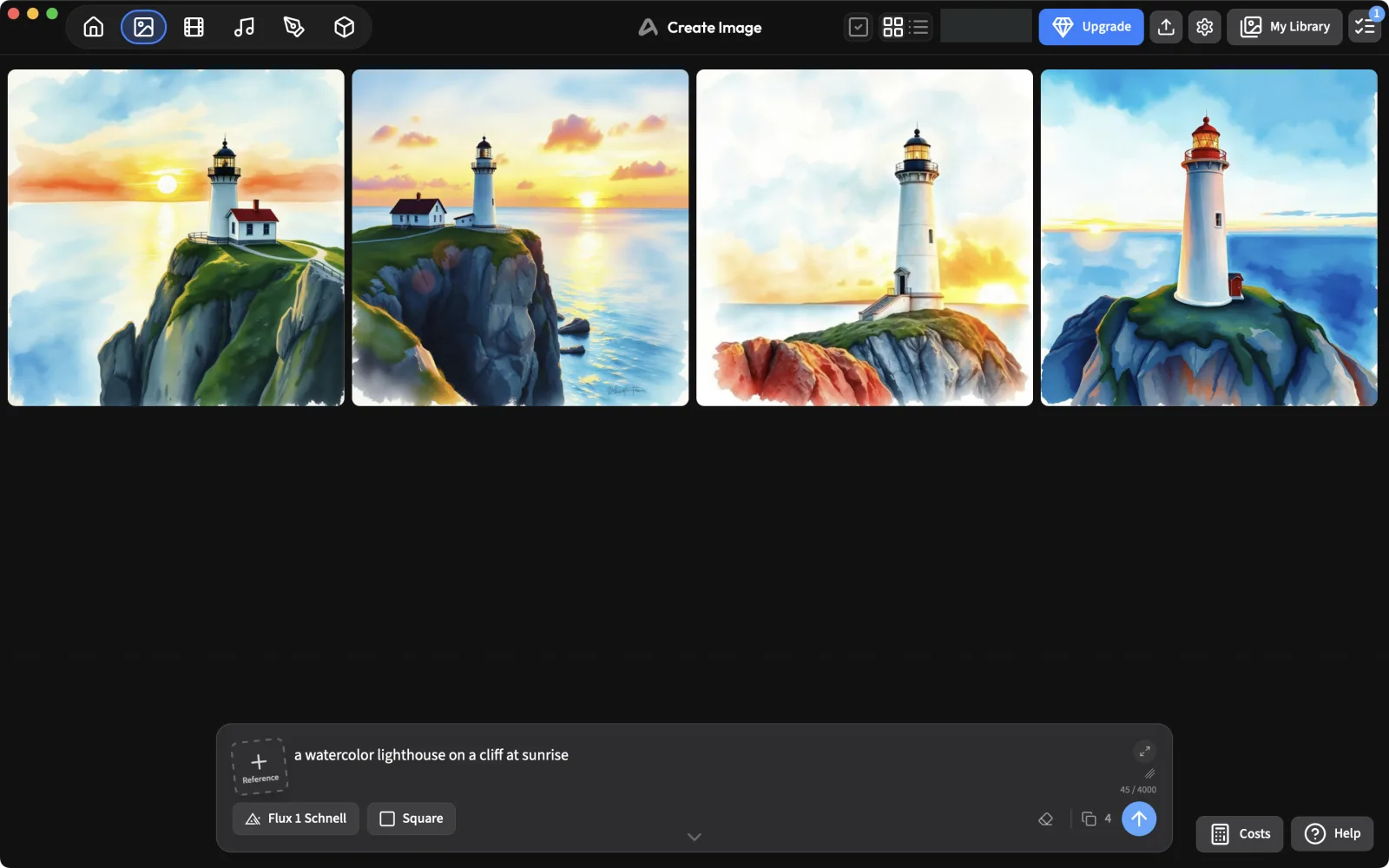
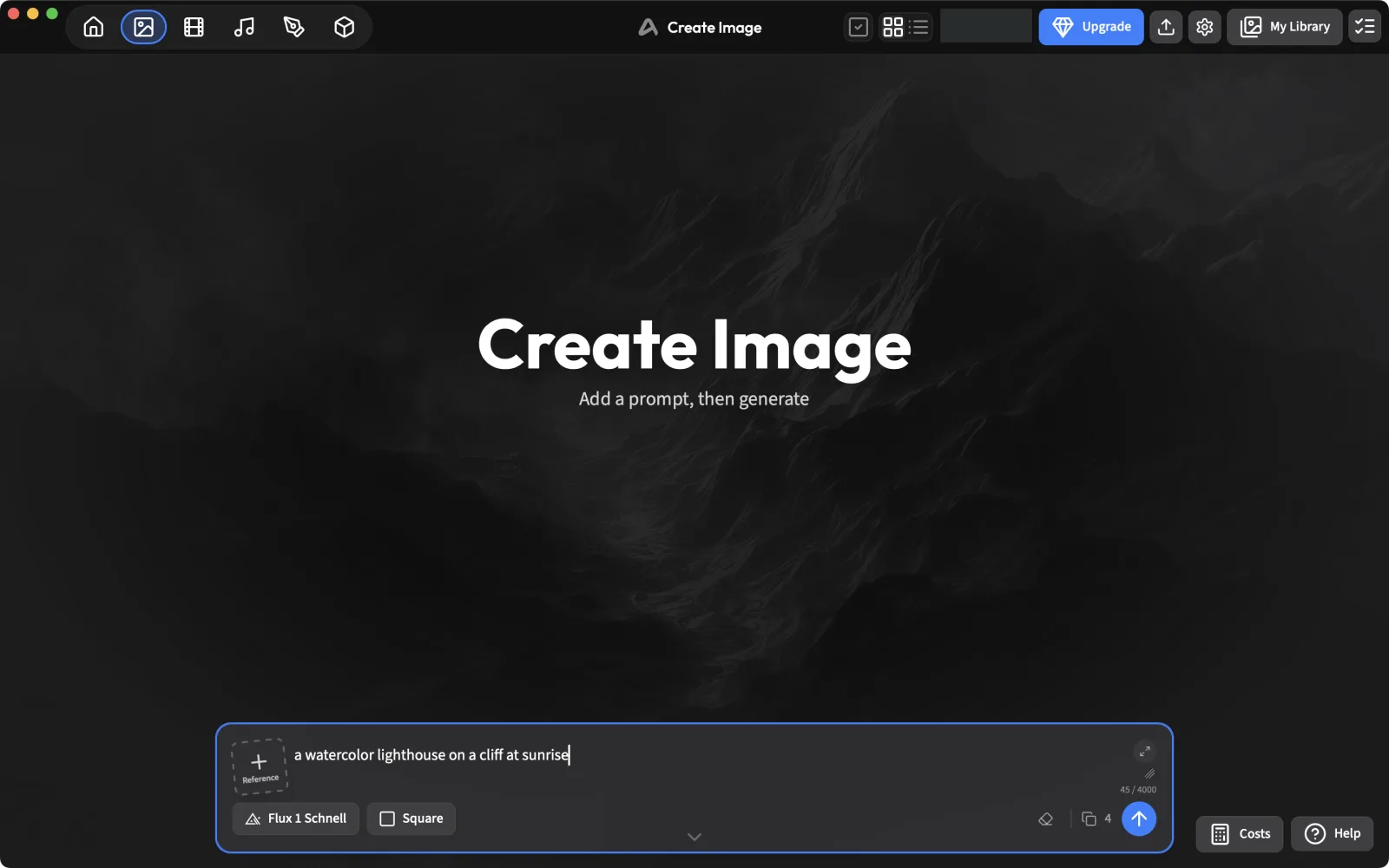
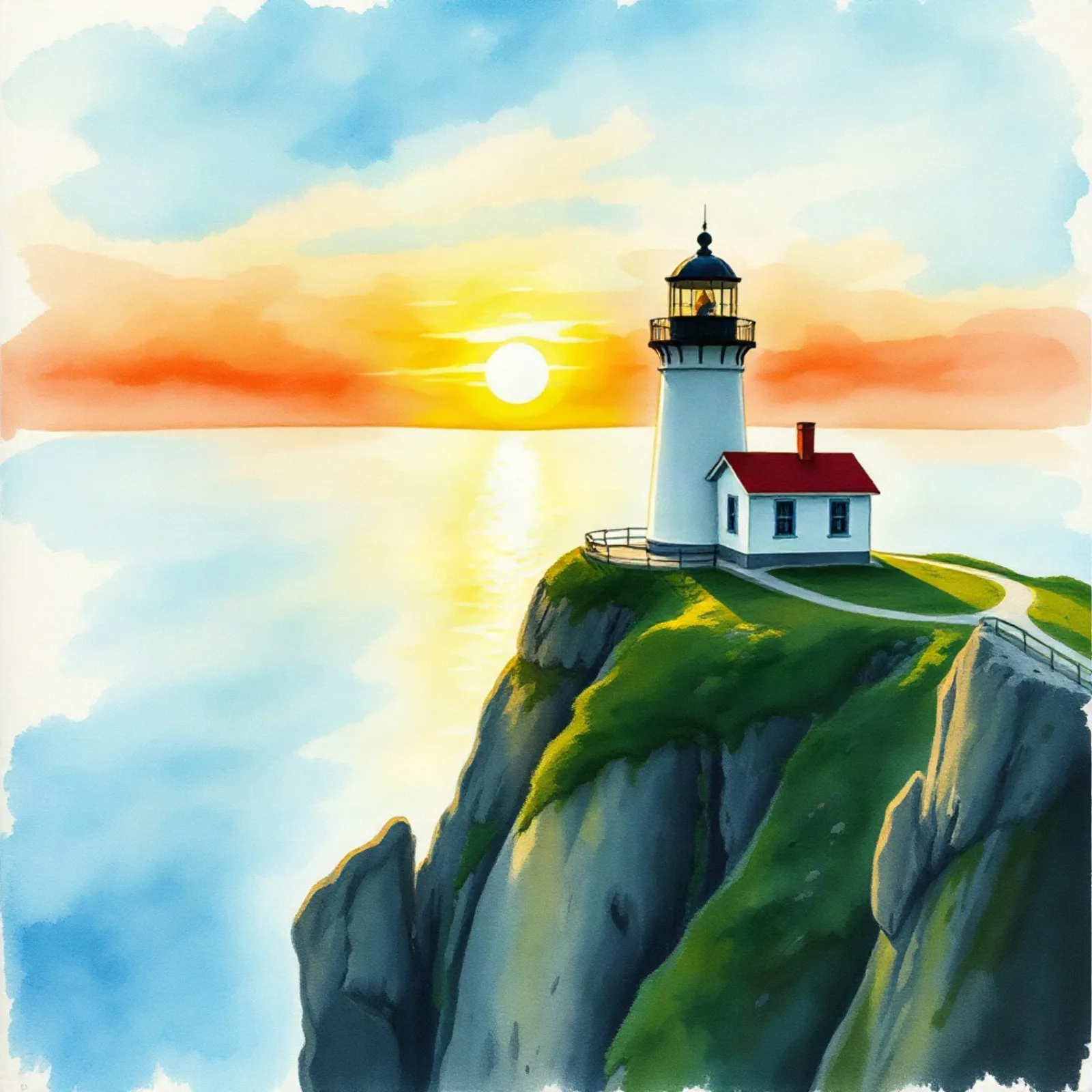
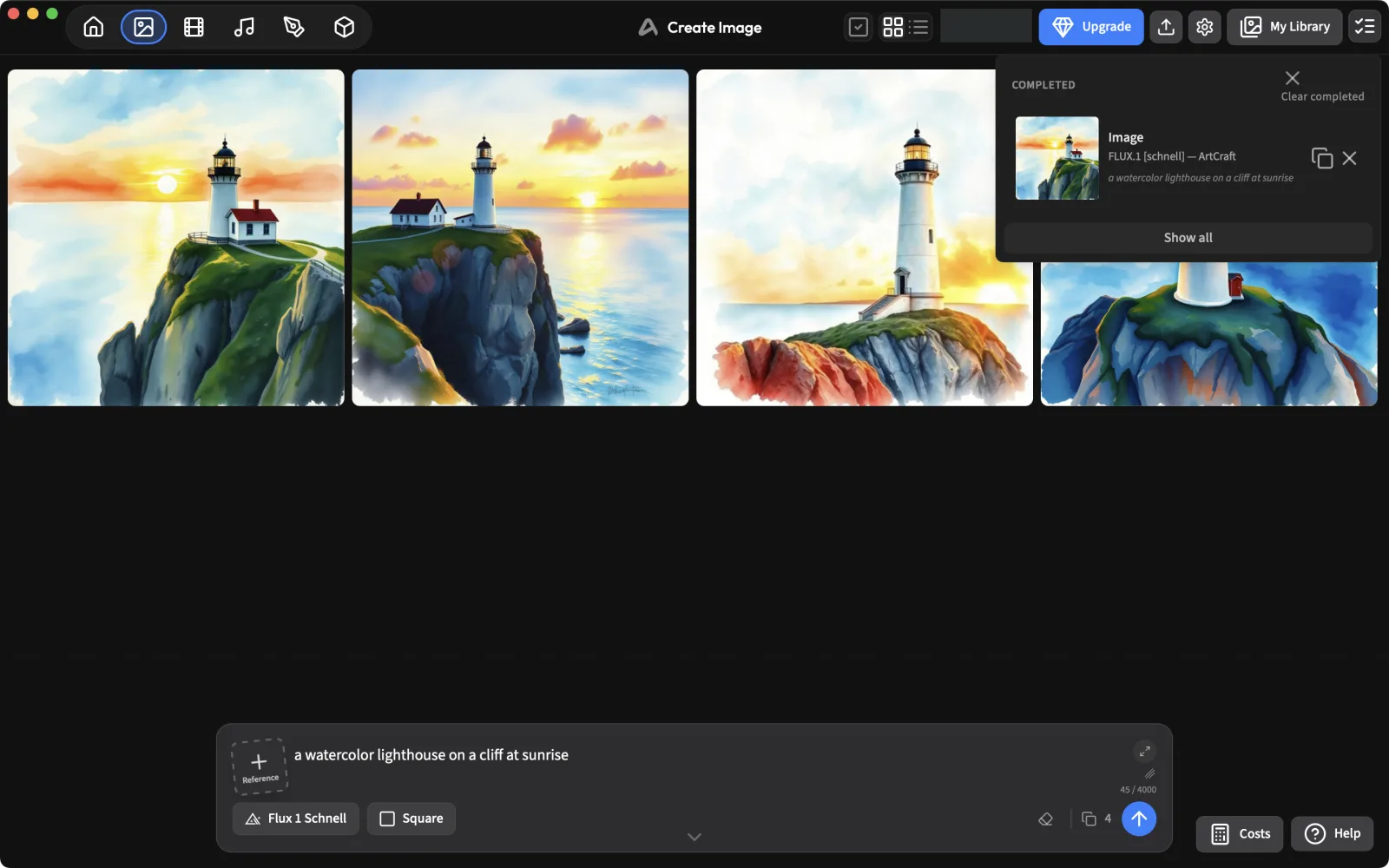
Type a prompt and press the arrow. We used “a watercolor lighthouse on a cliff at sunrise” with Flux 1 Schnell. Four placeholders appear while it works.
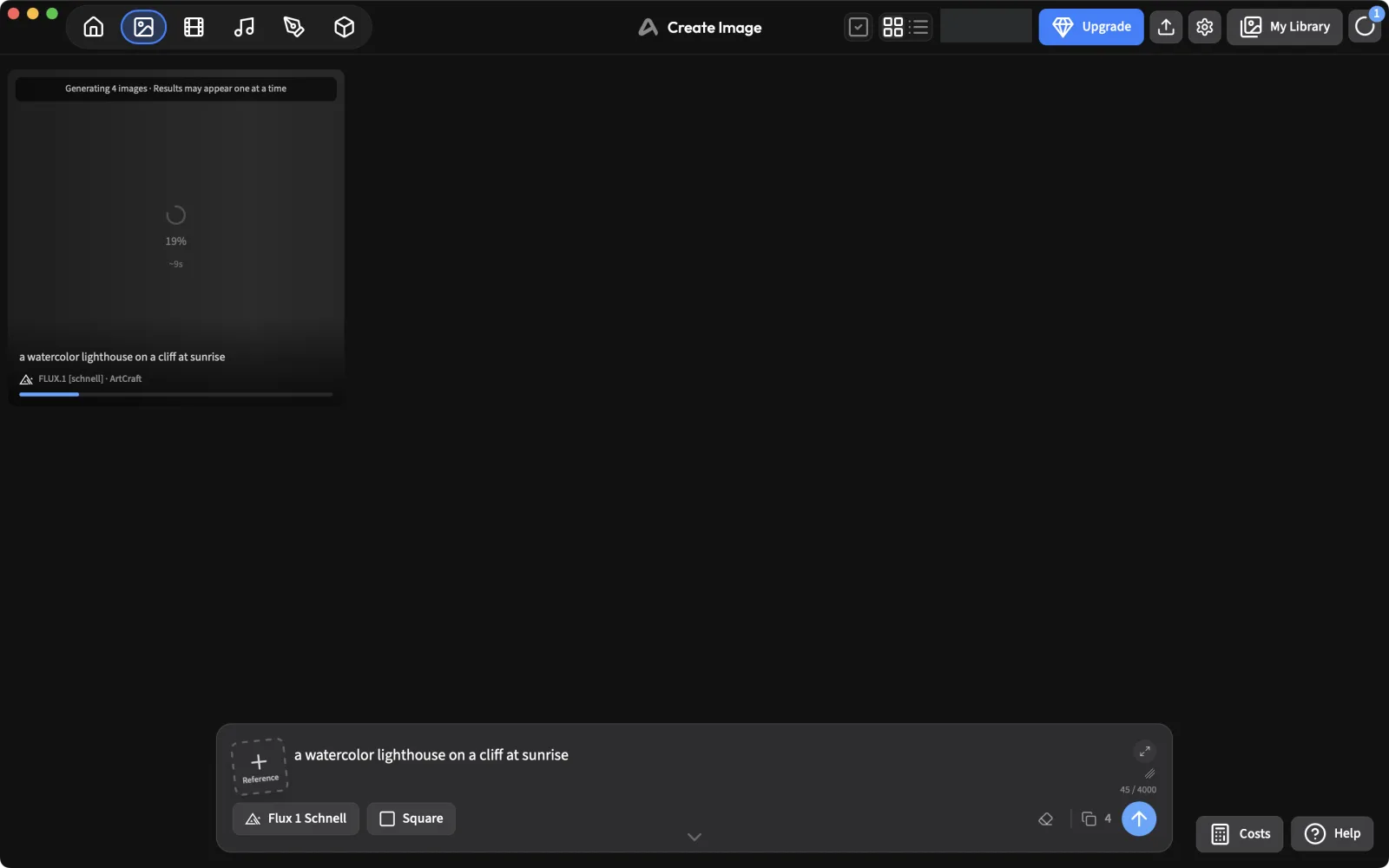
The job took about 10 seconds on the server (under 30 seconds end to end) and returned four 1024×1024 images. Our credit balance didn’t change.
5. Find your results
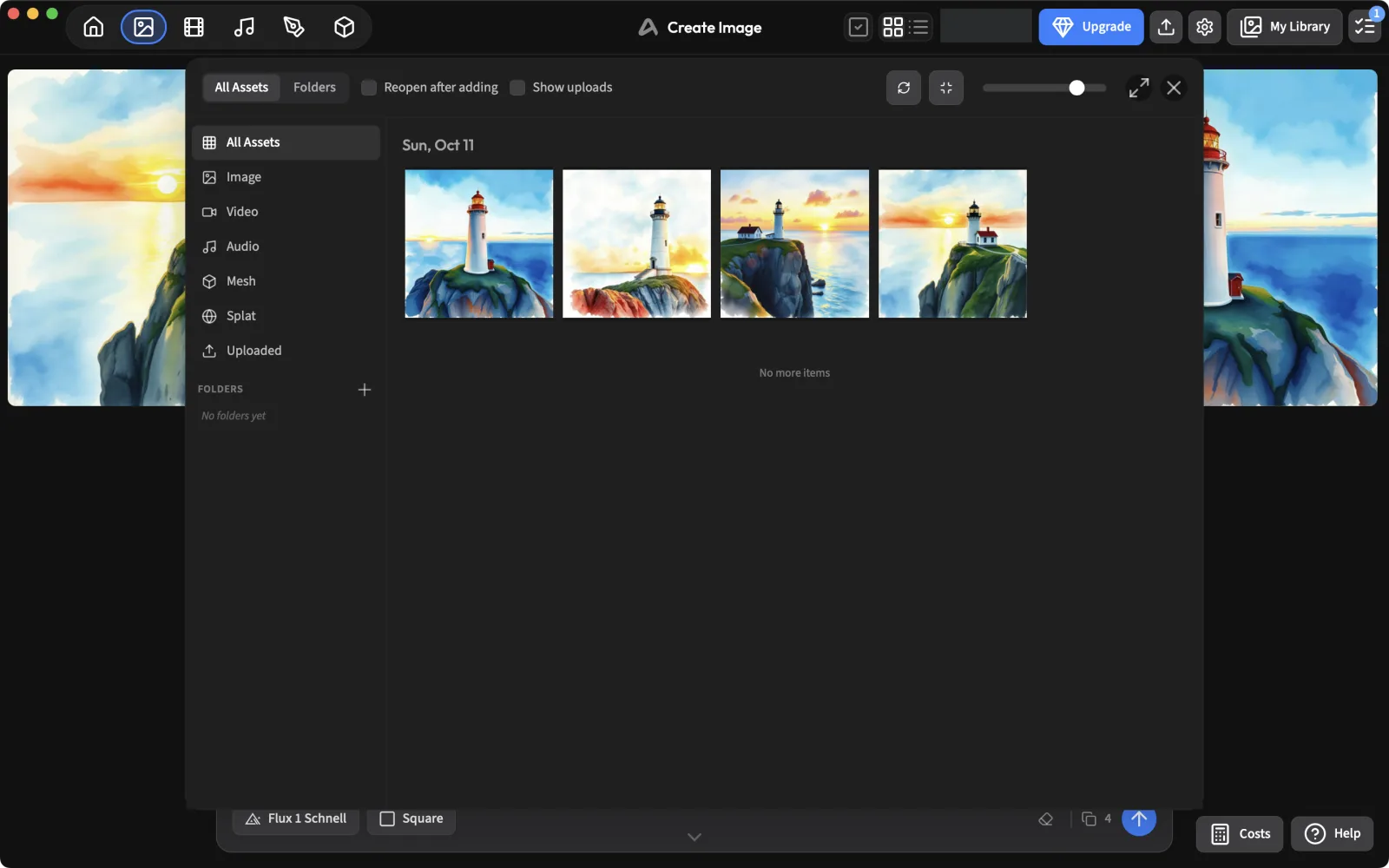
Everything you make goes to My Library (top right), grouped by date, with filters for images, video, audio, meshes, splats and uploads. The task queue icon next to it lists running and finished jobs, including which service ran them.
Can I use my own fal.ai API key?
Not in ArtCraft 0.41.0, as far as we could find. We had a fal.ai key ready, but:
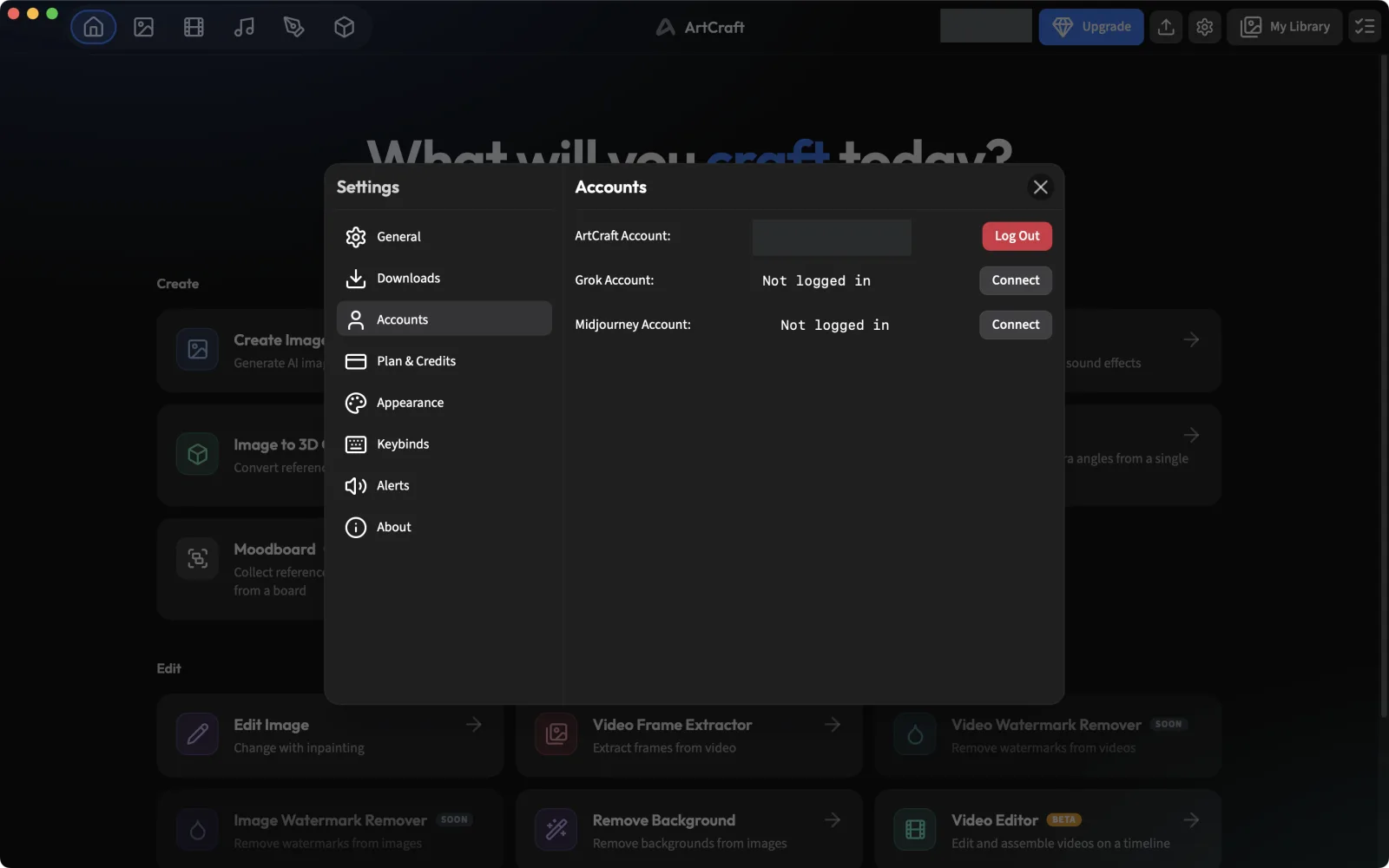
- Settings › Accounts only lists the ArtCraft account and Connect buttons for Grok and Midjourney. There is no field for a fal.ai (or OpenAI) key.
- The source code still contains functions to save a fal key and a “Provider Priority” setting for choosing between ArtCraft, fal and Sora/ChatGPT, but that setting is commented out of the Settings window and nothing in the interface calls the key functions.
If a future version brings the fal option back, note one detail from the code: the key would be stored as plain text in ~/Artcraft/credentials/fal_api_key.txt, not in the macOS Keychain. Use a key with a spending limit set in your fal.ai dashboard. We’ll update this guide when that changes; subscribe to hear about it.
Don’t have ArtCraft yet?
Free to download for Windows and macOS; needs an account.
Artworks shown: Vincent van Gogh, Wheat Field with Cypresses (1889, The Met, CC0); Johannes Vermeer, The Milkmaid (c. 1660, Rijksmuseum); Caspar David Friedrich, Wanderer above the Sea of Fog (c. 1817); The Blue Marble (NASA, 1972); Pillars of Creation (NASA, ESA, and the Hubble Heritage Team (STScI/AURA), 2014). All public domain. Screenshots: PhotoCraft 0.7.0, captured by ArtCraft AI Guide.
All tutorials