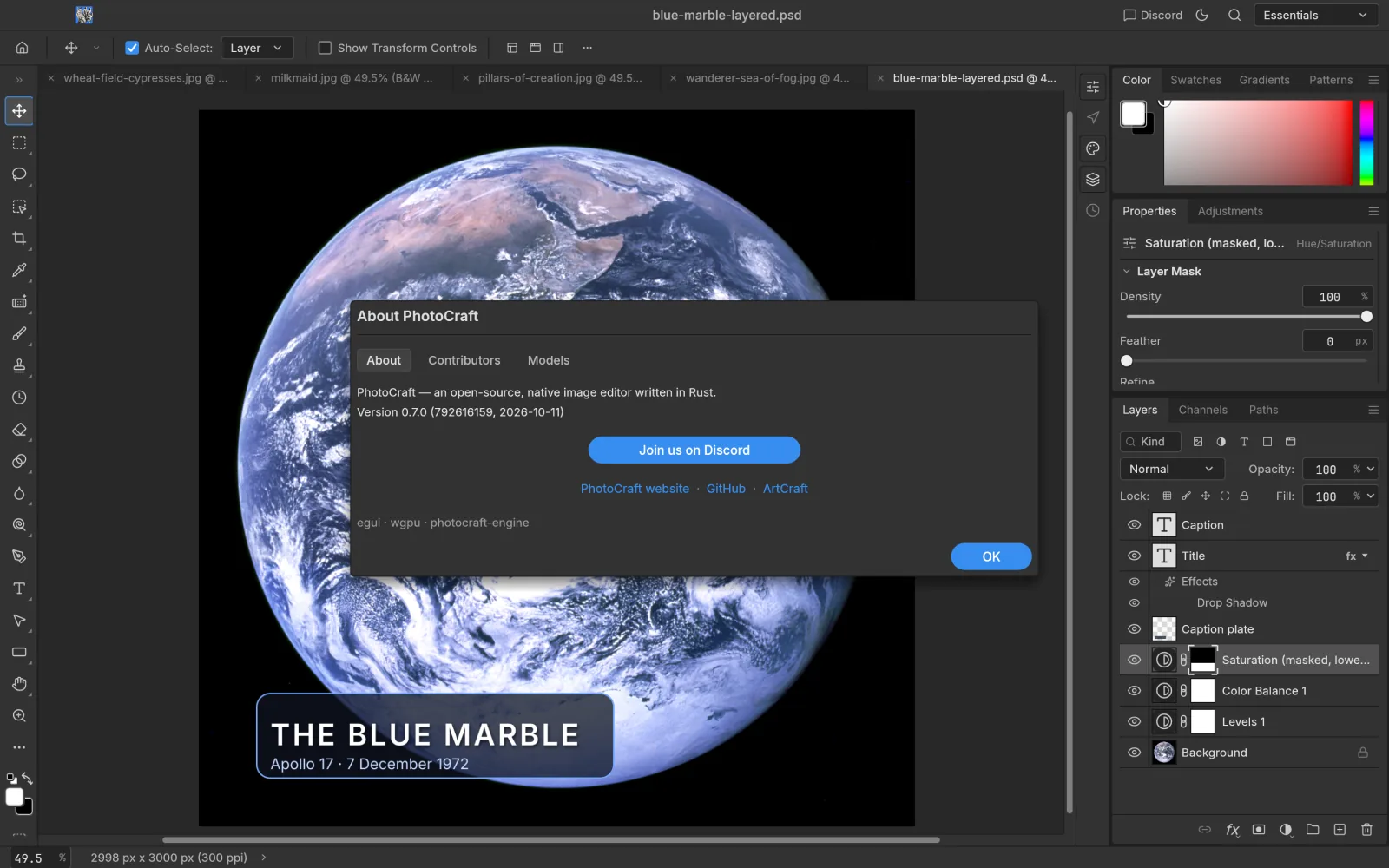
Review · PhotoCraft 0.7.0
PhotoCraft review: a fast, promising alpha
3.5/5
★★★★★★★★★★
Overall · Tested 2026-10-11
Verdict
PhotoCraft 0.7.0 is the most Photoshop-like open-source editor we have used: it launches fast, feels familiar, its layers and adjustment layers are solid, and a layered PSD saves and reopens intact. It is still an early alpha, though, with a handful of interface glitches, no generative AI, and file exchange with Photoshop users that you can’t fully trust yet. Install it today for everyday editing and learning; give it a few more releases before betting production work on it.
Scores
- Ease of use for Photoshop users
- 4.0
- Feature completeness
- 3.0
- Speed
- 3.5
- Stability
- 3.0
- PSD compatibility
- 3.5
Menus, shortcuts and panels sit where you expect
The project rates itself ~45% ready for pro work; no AI, some tools missing
Fast to launch and open files; users report brush lag on huge canvases
No crashes in our test, but several interface glitches
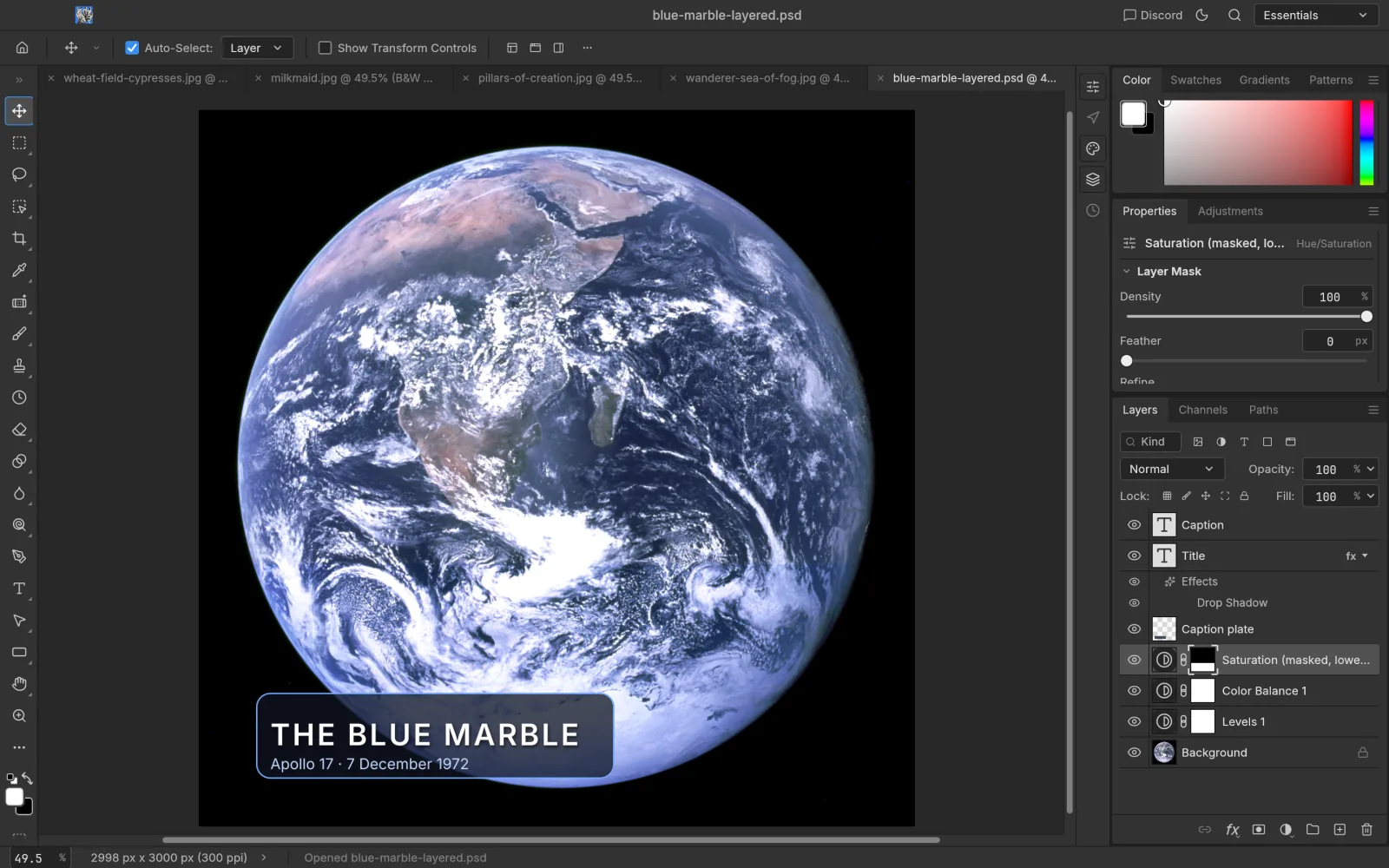
A 7-layer PSD reopened intact; exchange with Photoshop still has reported issues
Pros
- Very fast to launch and open files
- Layout, menus and shortcuts closely match Photoshop
- 16 adjustment layers, layer styles and smart objects work
- Layered PSDs save and reopen intact
- Free, open source, no account; Windows, macOS and Linux
- CLI and MCP make batch work and AI agents easy
Cons
- No generative AI (Generative Fill and friends)
- Interface glitches: the canvas doesn’t re-fit after a theme change; Bold shows as “—” in the font style menu
- Creating an adjustment layer from a selection leaves the selection active (Photoshop deselects)
- Pro gaps: some tools, typography depth, third-party plug-ins
- Files exchanged with Photoshop occasionally misbehave (reported on GitHub)
How we tested
- Tested on
- 2026-10-11
- Version
- PhotoCraft 0.7.0 (792616159)
- Machine
- MacBook Pro, Apple M3 Pro, macOS 15.7
- Installer
- Official universal DMG; SHA256 matched, Apple notarization valid
- Method
- We installed it, ran scripted tasks through PhotoCraft’s own control channel and captured the results; subjective feel such as brush response draws on community reports
What we measured
- Cold launch to ready
- 2.35 s
- Relaunch
- 0.44 s
- Memory at idle
- ~234 MB
- After opening a 3000×2350 JPEG
- ~326 MB
- Open a JPEG (round trip)
- 0.08 s
- Open a 42 MB layered PSD
- ~0.1 s
- Save and reopen a 7-layer PSD
- All layers intact (type, shape, masked adjustments)
- Crashes
- 0
Rough measurements for orientation only; results vary by machine and image.
Who it’s for
Individuals who want out of a subscription for everyday photo and design work, Linux users, and developers batch-editing images with scripts or AI agents. Pros who rely on Photoshop plug-ins, action files or Generative Fill should try it, but shouldn’t cancel yet.
Artworks shown: Vincent van Gogh, Wheat Field with Cypresses (1889, The Met, CC0); Johannes Vermeer, The Milkmaid (c. 1660, Rijksmuseum); Caspar David Friedrich, Wanderer above the Sea of Fog (c. 1817); The Blue Marble (NASA, 1972); Pillars of Creation (NASA, ESA, and the Hubble Heritage Team (STScI/AURA), 2014). All public domain. Screenshots: PhotoCraft 0.7.0, captured by ArtCraft AI Guide.