VectorCraft · Alternative to Illustrator
VectorCraft: Free, Open-Source Illustrator Alternative
VectorCraft is an open-source, clean-room vector illustration app in pure Rust that follows Adobe Illustrator's workflow, for desktop and the browser.
- Early alpha
- v0.9.0 · October 11, 2026
- GitHub ★ 6.7k
- MIT / Apache-2.0
What VectorCraft does
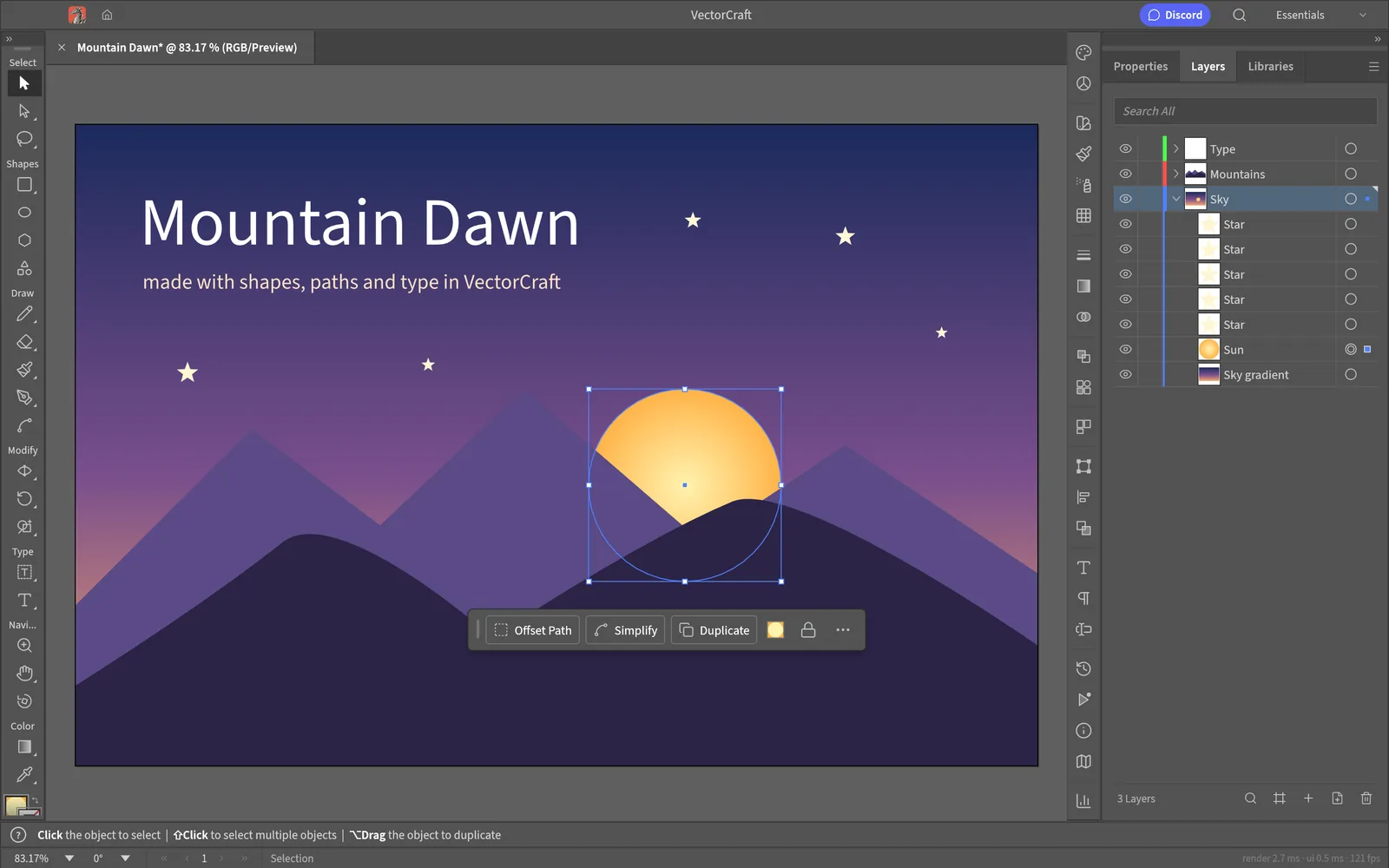
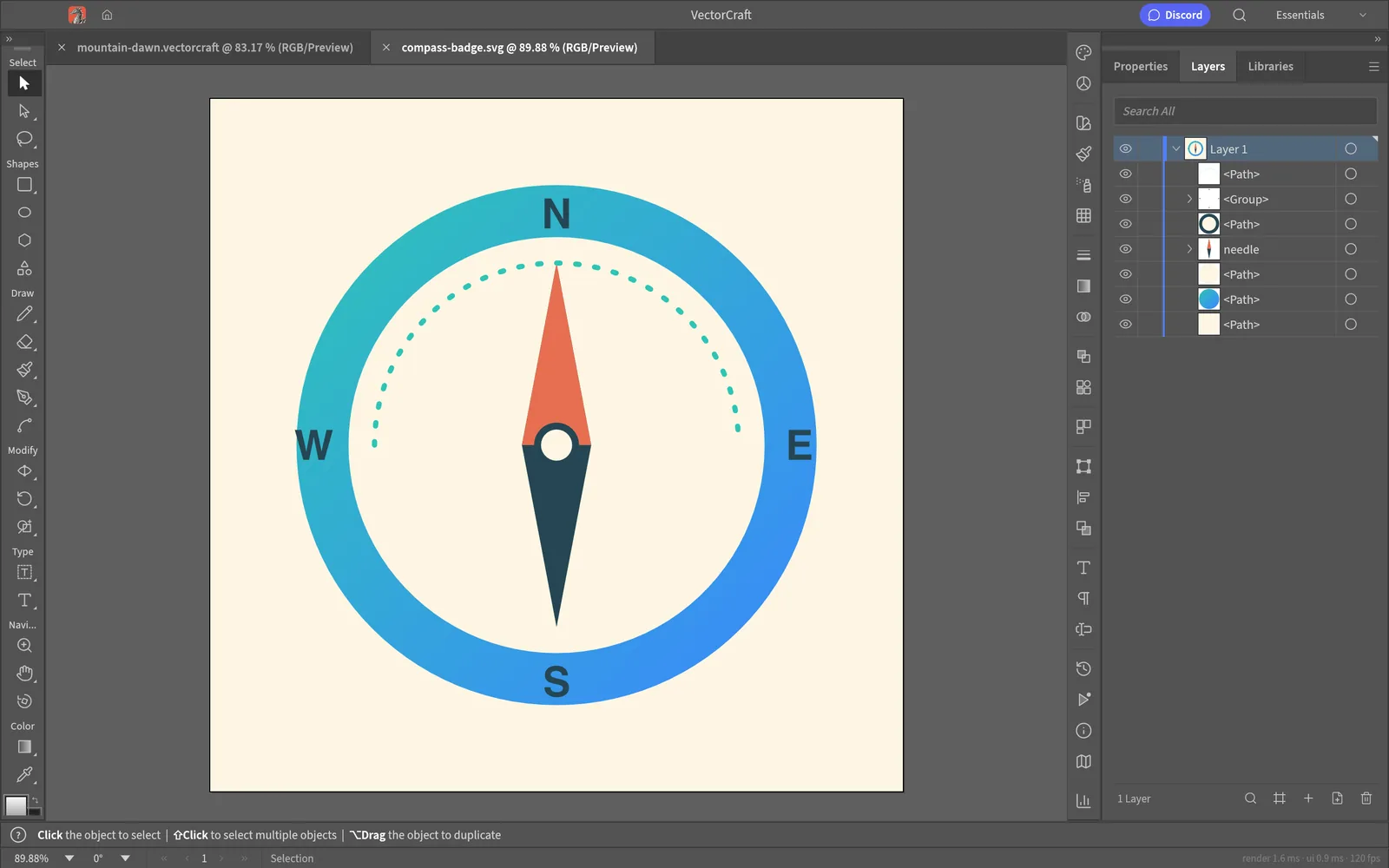
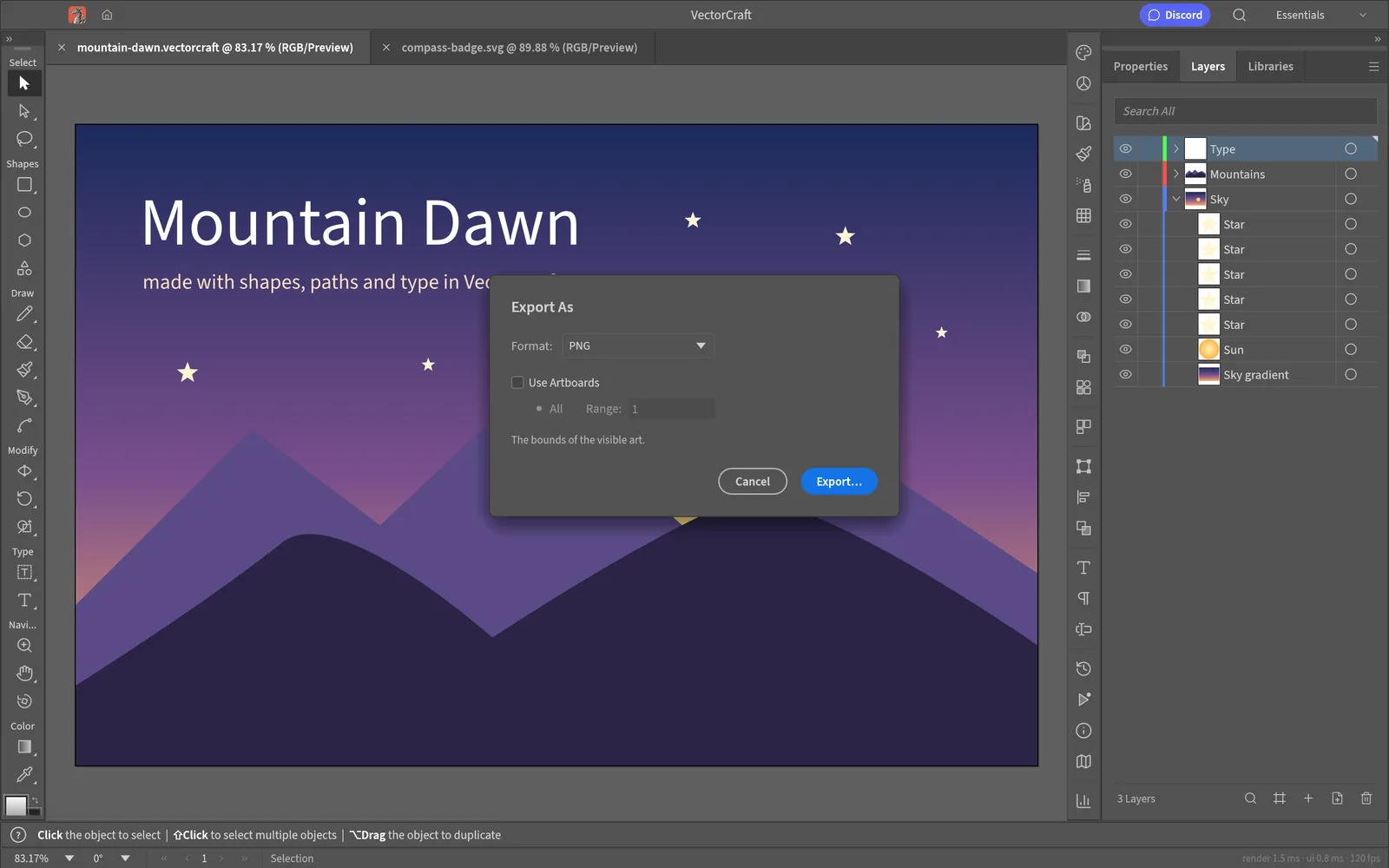
Familiar Illustrator layout
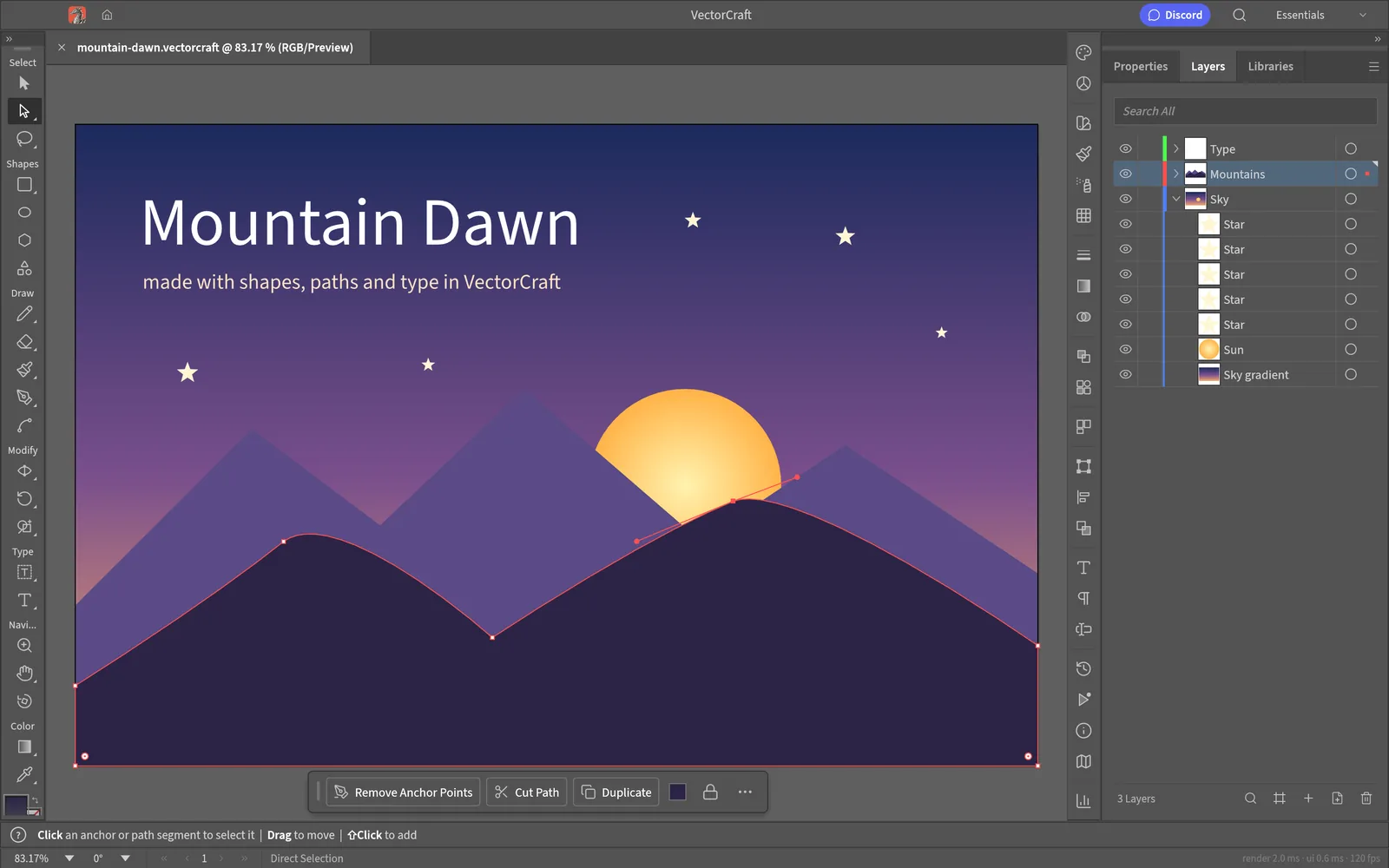
Illustrator-style tools, menus, panels and shortcuts: Pen, Direct Selection, Pathfinder, Smart Guides, Appearance, Swatches and Layers.
Exact booleans, unlimited undo
Exact curve booleans with no "cannot perform operation" errors, unlimited undo via structural sharing, and property-tested file round trips.
Live effects and distortions
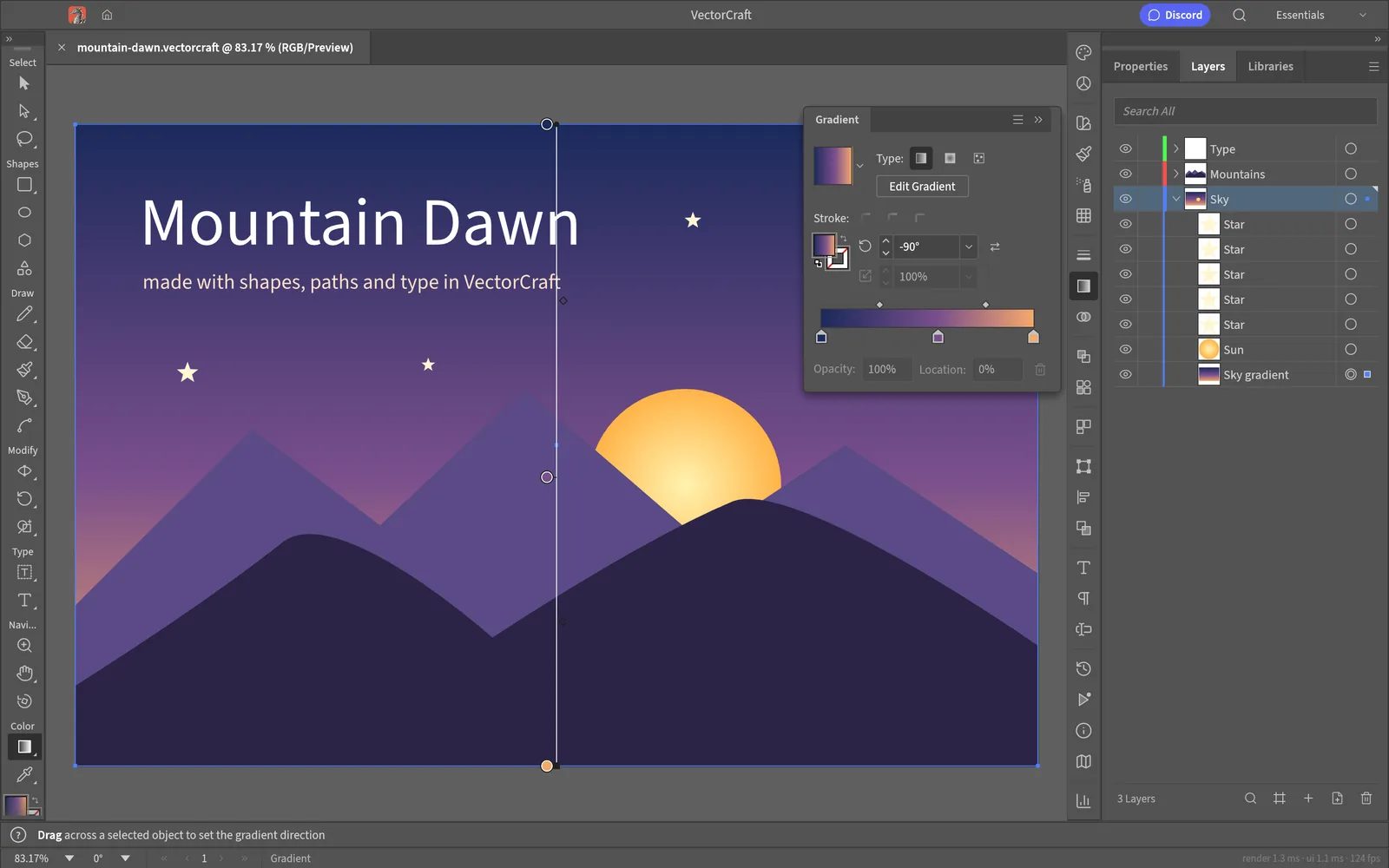
Live Blends, Gradient Mesh, radial Repeat, Envelope Distort, Outer Glow, clipping masks and a Perspective Grid whose art stays editable.
Fast multithreaded rendering
SIMD rendering runs off the UI thread; the README cites 20,000 shapes in about 27 ms at retina resolution with the interface at 120 fps.
Type and world scripts
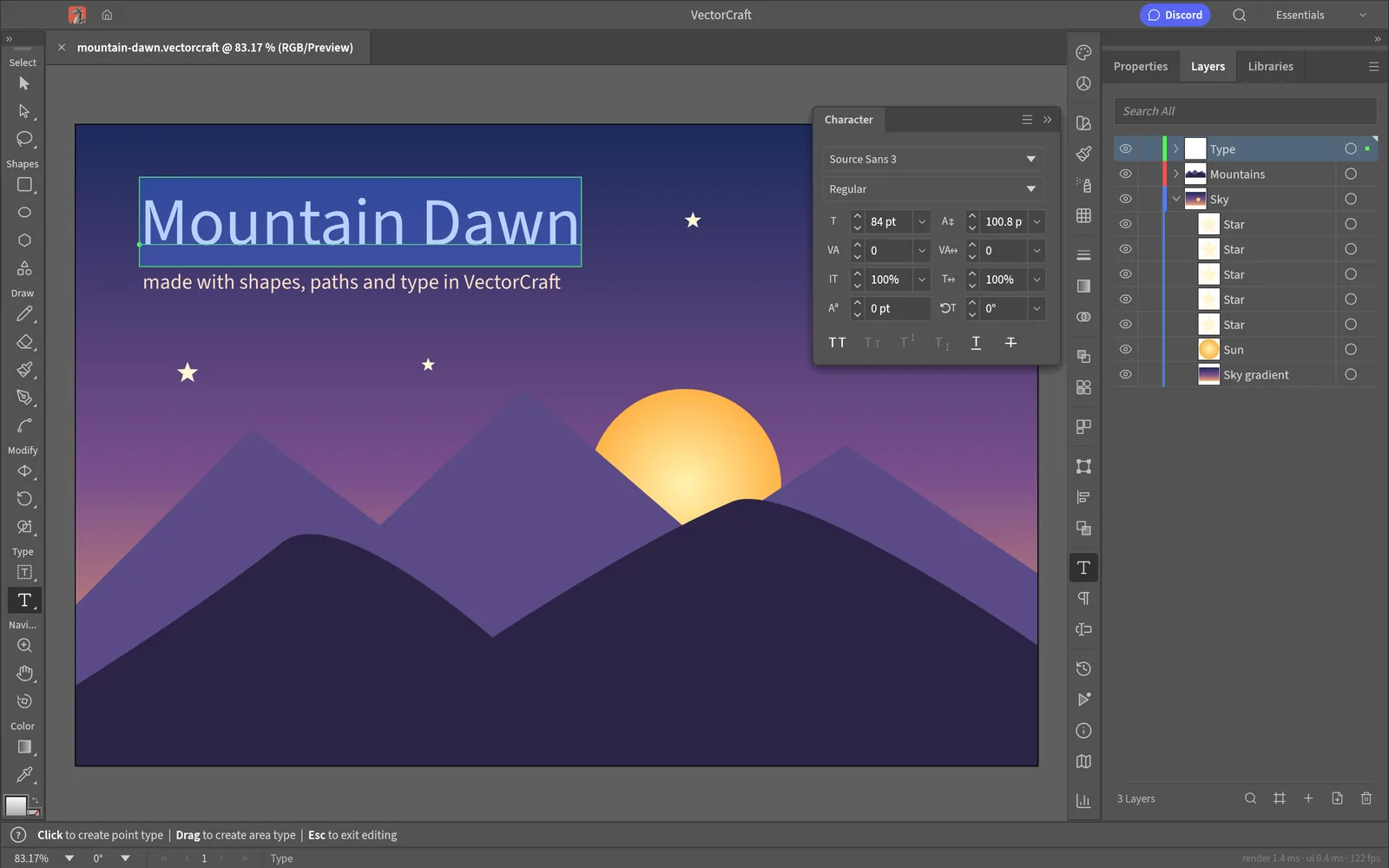
Type with styles and threading, Hebrew/Arabic bidirectional layout, and initial vertical type support.
Affinity files open natively
Affinity documents open with layers, artboards, curves, fills, masks, text and images; anything not imported is listed in a warning.
File formats
- VECTORCRAFT (native JSON, read/write)
- SVG (read/write)
- SVGZ (read)
- PDF (read/write, PDF/X)
- AI, PDF-compatible (read/write; no Illustrator editing data)
- EPS
- DXF
- EMF/WMF
- PNG/JPEG/WebP (export)
- PSD (write); PSD/PSB (read as merged image)
- GIF/TIFF/BMP (read)
- Affinity .af/.afdesign/.afpub/.afphoto (read)
How mature is it?
Alpha (2026-10-10): about 88% of Illustrator 2026 exists and the team estimates ~62% "ready for real work" (~65% for a mainstream illustrator); everyday vector illustration is close to usable.
Biggest gaps
- Reliable exchange of Illustrator's own .ai files: layer structure in real files, and Illustrator's editing data isn't written.
- An interaction-fidelity pass covering every tool's modifiers and small behaviours.
- 3D and Materials beyond the initial live Revolve, and 29 of 57 Photoshop-style raster effects plus the Effect Gallery.
- Scripting, the rest of Variables, and generative AI features.
Automation and AI agents
Every menu item, tool gesture, panel and dialog can be driven over a JSON control channel (--control) and an MCP server (vectorcraft-cli mcp); vectorcraft-cli also runs headless batch exports.